How to Lock Objects
Last updated 6 months ago
Select an object
Right Click to open the radial menu
Select the 🔒 "Lock" option
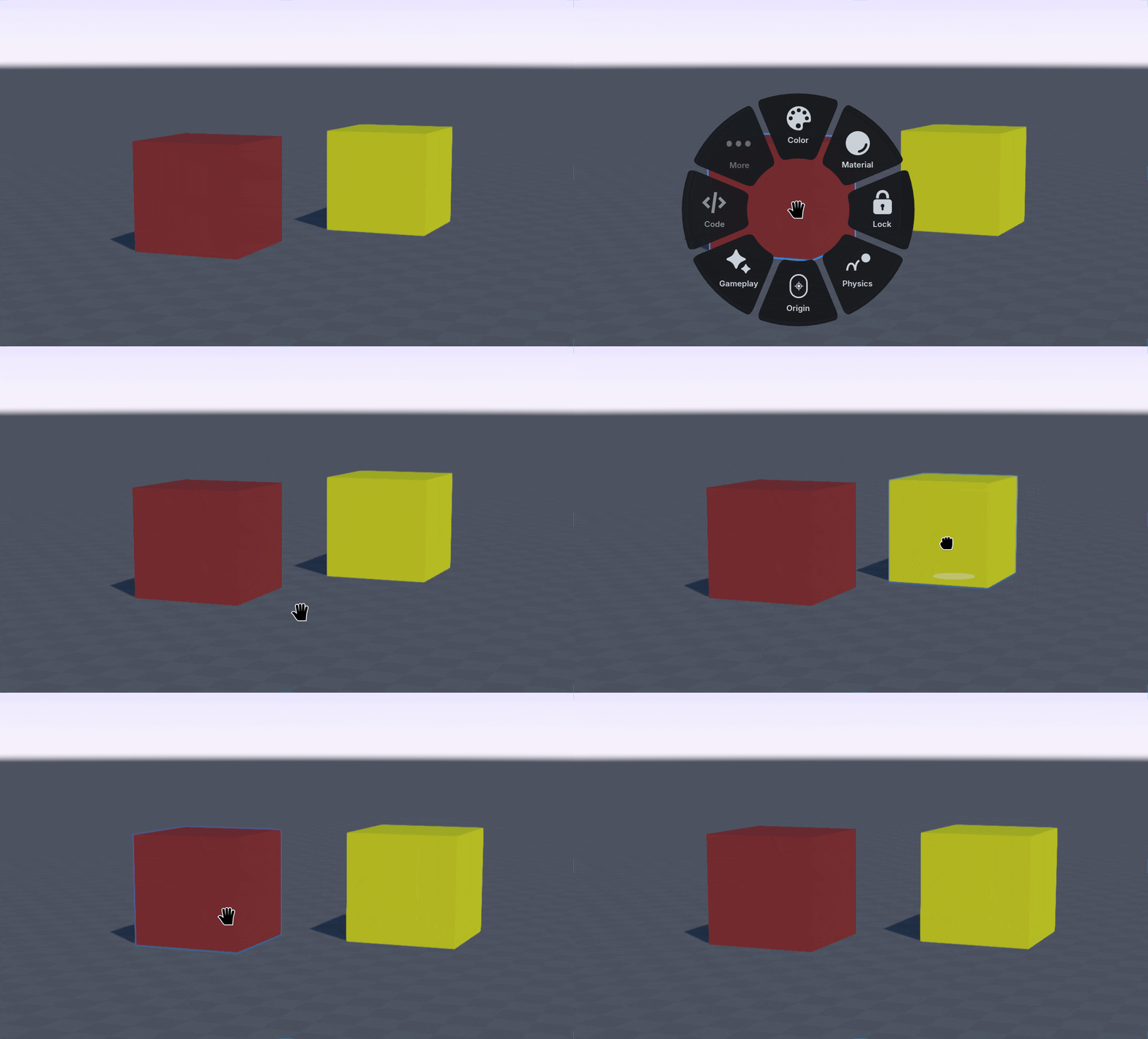
Locked objects are not able to be interacted with until they unlocked. To unlock an object, select the object, then the 🔒 Lock option again.
Using the shortcut key L can lock objects quickly, especially when used with a group selection method.