April 17th, 2026
Updates
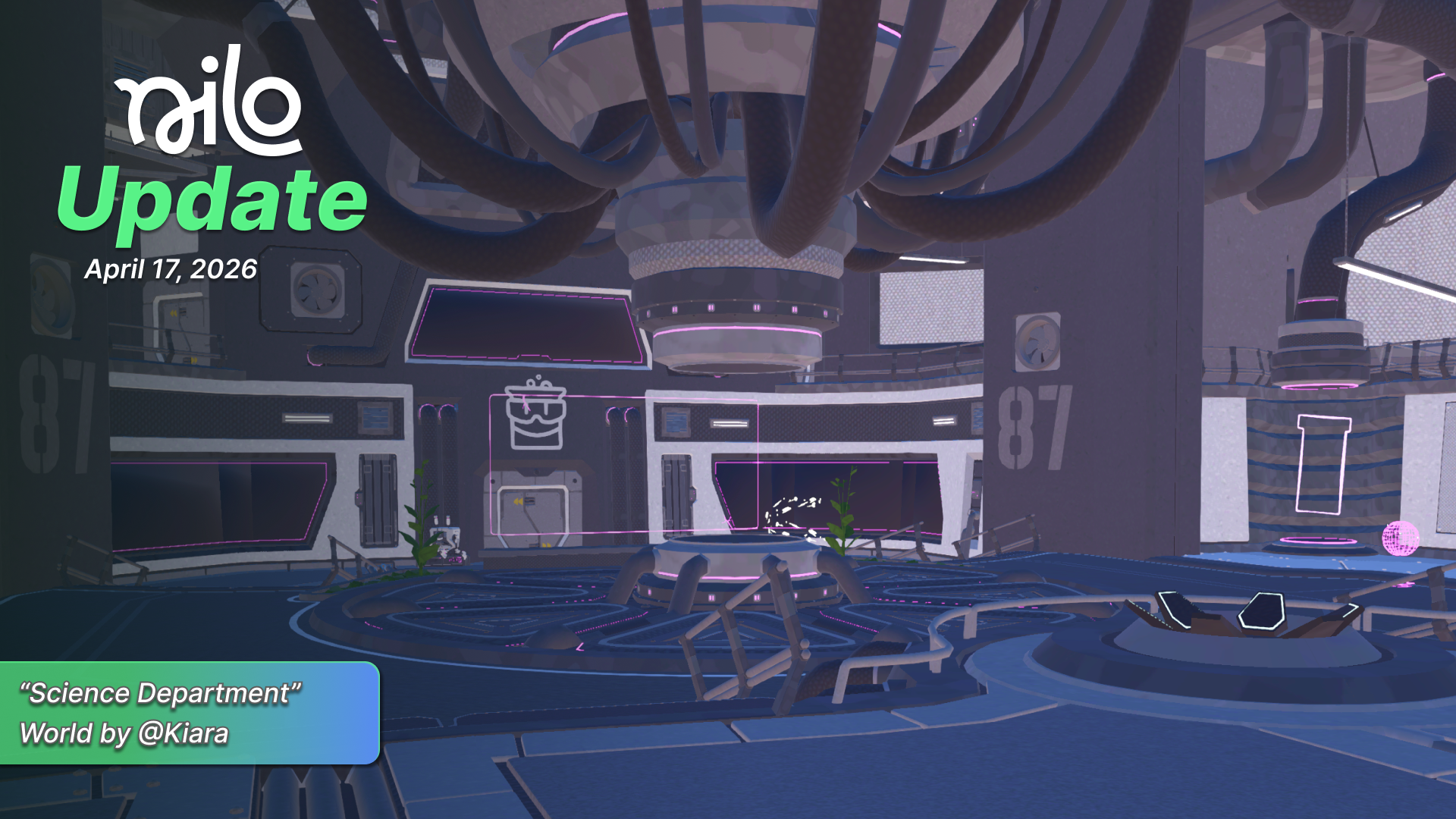
April 17, 2026 Update
🛠️ Workbench Animations
We now support multiple animations on RBXMX models using Workbench! Prompt to create new animations, or add them from your library to customize your character.
We also added a direct login option for your Roblox account! Link it with Nilo using the Roblox button so you can directly export a RBXMX model with all of your custom textures and animations in a single click with the Builder subscription!

🧊 Large Object Importing
We’ve made it possible to import large, complex objects- such as Rec Room worlds- directly into Nilo! In the Dev Panel scroll to the Separate Meshes on Create option and toggle it on.

🎓 Help Center
In case you’ve missed it, in addition to the AI helper and documentation in Nilo, we also have a dedicated help center here where you can ask questions and search for articles related to Nilo: https://help.nilo.io/

💡Changes & Fixes
Fixed various quality issues when generating 3D models with Tripo AI.
We gave the Code Editor a face lift!
Improved our rigging quality for characters.
Updated the Radial Menus to show Character and Controls more clearly.
Improved some animations and sound in Nilo Rewards, check back for more updates soon!
Improved the quality of our character animation generations.
Updated the Radial Menus to show Character and Controls more clearly.
Tweaked how our physics were calculated on objects you are controlling to reduce jitter and lag.
Reduced generated animations to 5 seconds to reduce the Bit cost to 32 instead of 64. Let us know if you want longer animations!
Added an upload image option when using Doodle in Idea Forge.
Fixed a bug that allowed world image previews to be updated erroneously.
Fixed a bug where prompting in Idea Forge would update what you’ve sketched in Doodle, rather than the rendered result.
Fixed a visual issue when opening and closing the Radial Menu multiple times.
Fixed several small errors in Idea Forge when generating images and using No Background features.