Changelog

Follow new updates and improvements to Nilo.

May 14th, 2026

Updates

🧩 New Primitives

We added new primitive objects to the radial menu:

  • Opened Stairs

  • Closed Stairs

  • Spiral Stairs

  • Arch

You can also edit them further using the Primitive category in the Inspector Menu!

🤸🏻‍♂️ New Animations

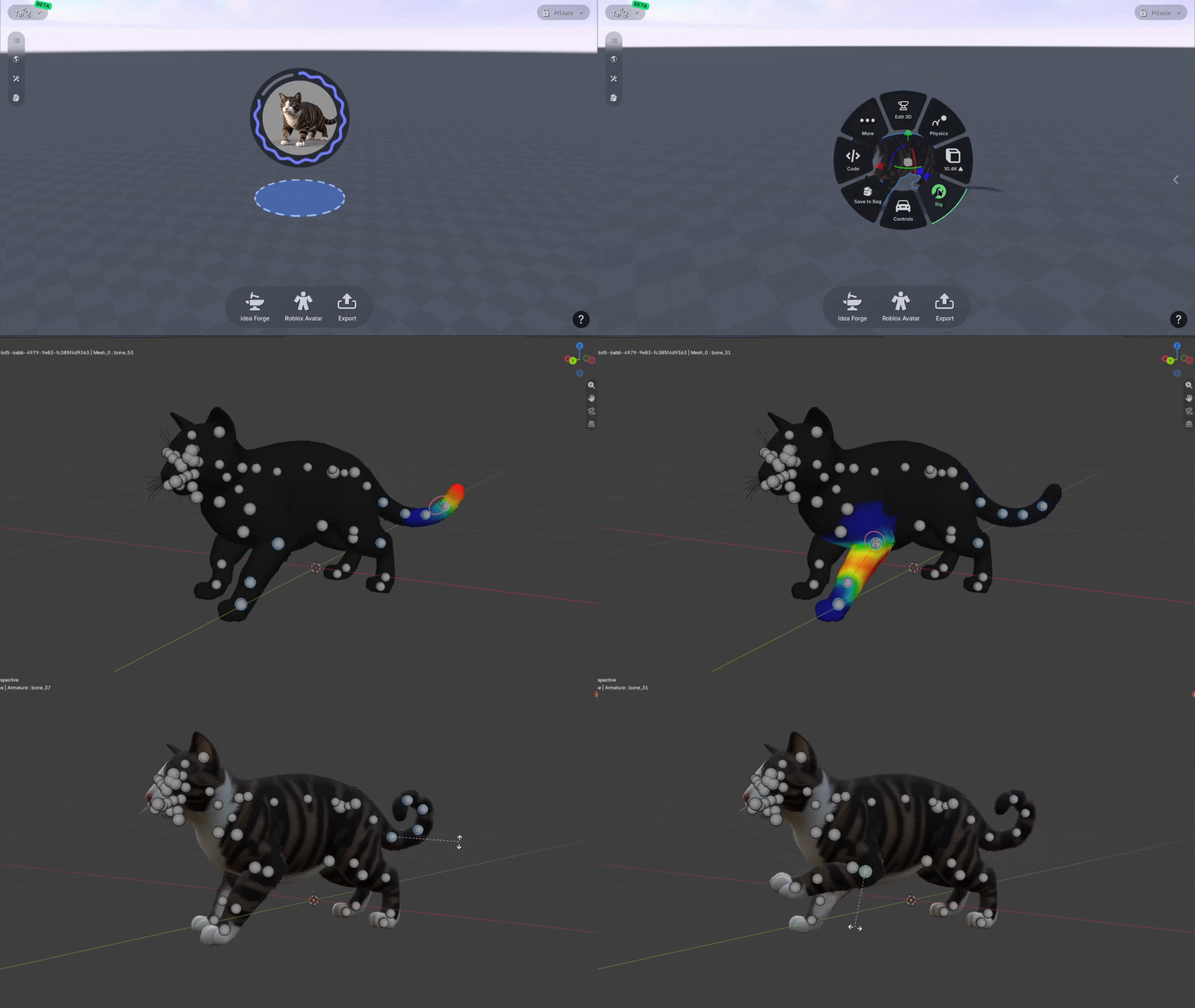
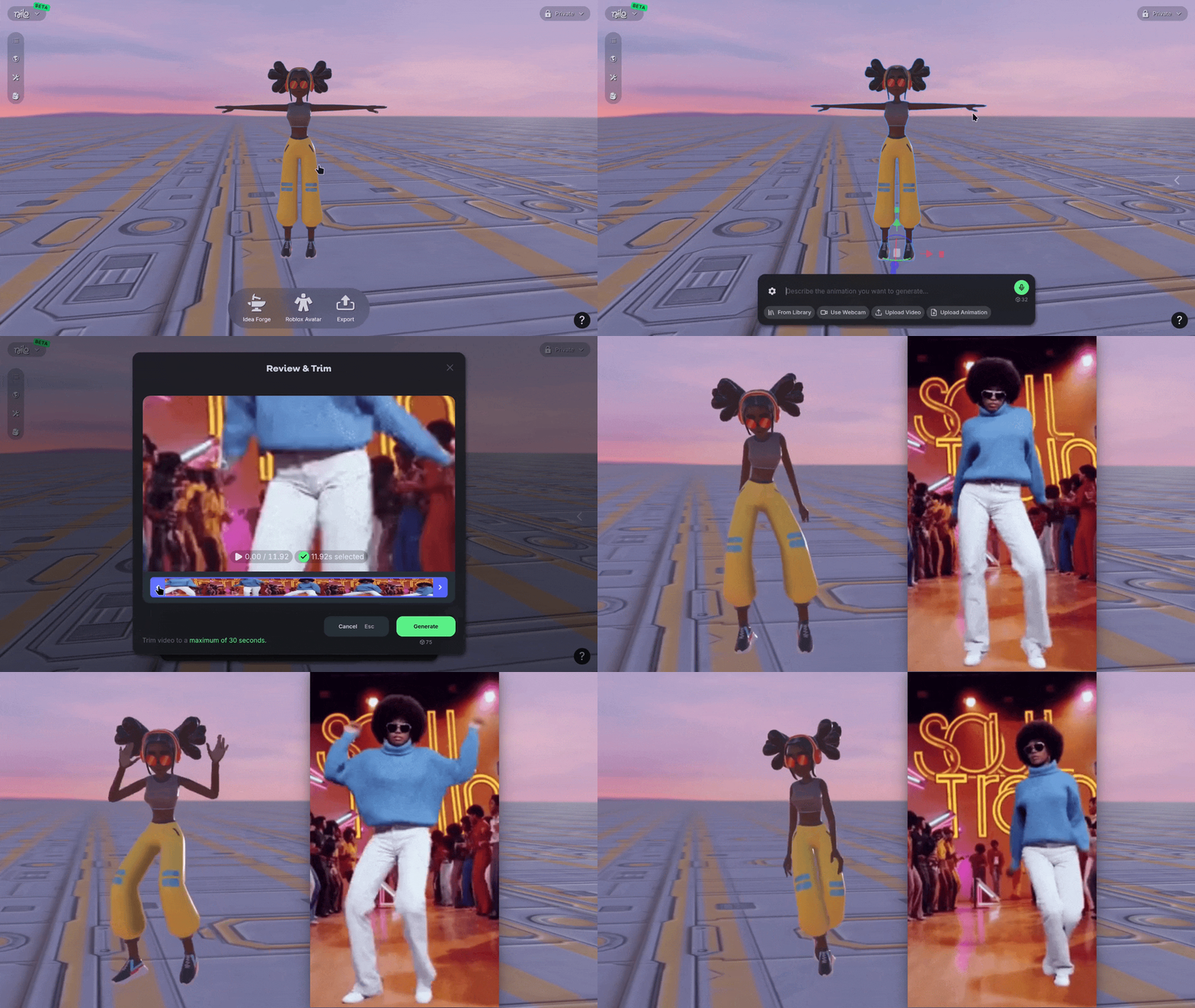
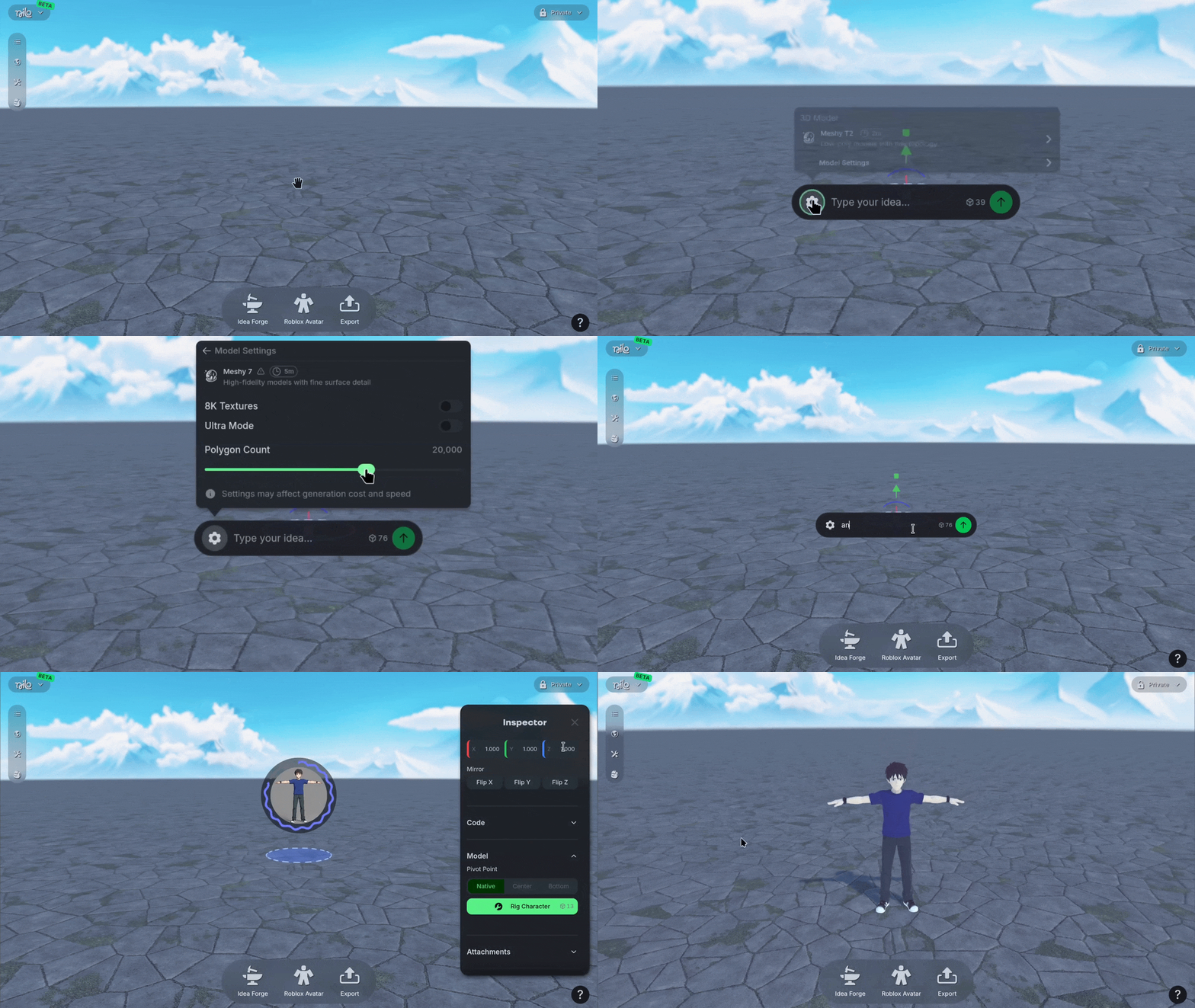
We added a new animation generator, Cartwheel! You can use the radial menu on a rigged character, then use the + icon to generate new animations.

Use the ⚙️ gear icon to adjust the animation model you’re using and length of animation, or browse the library of existing animations.

You can check the progress of generation and further adjust your animations using Animation category in the Inspector Panel.

🎨 GPT Image 2

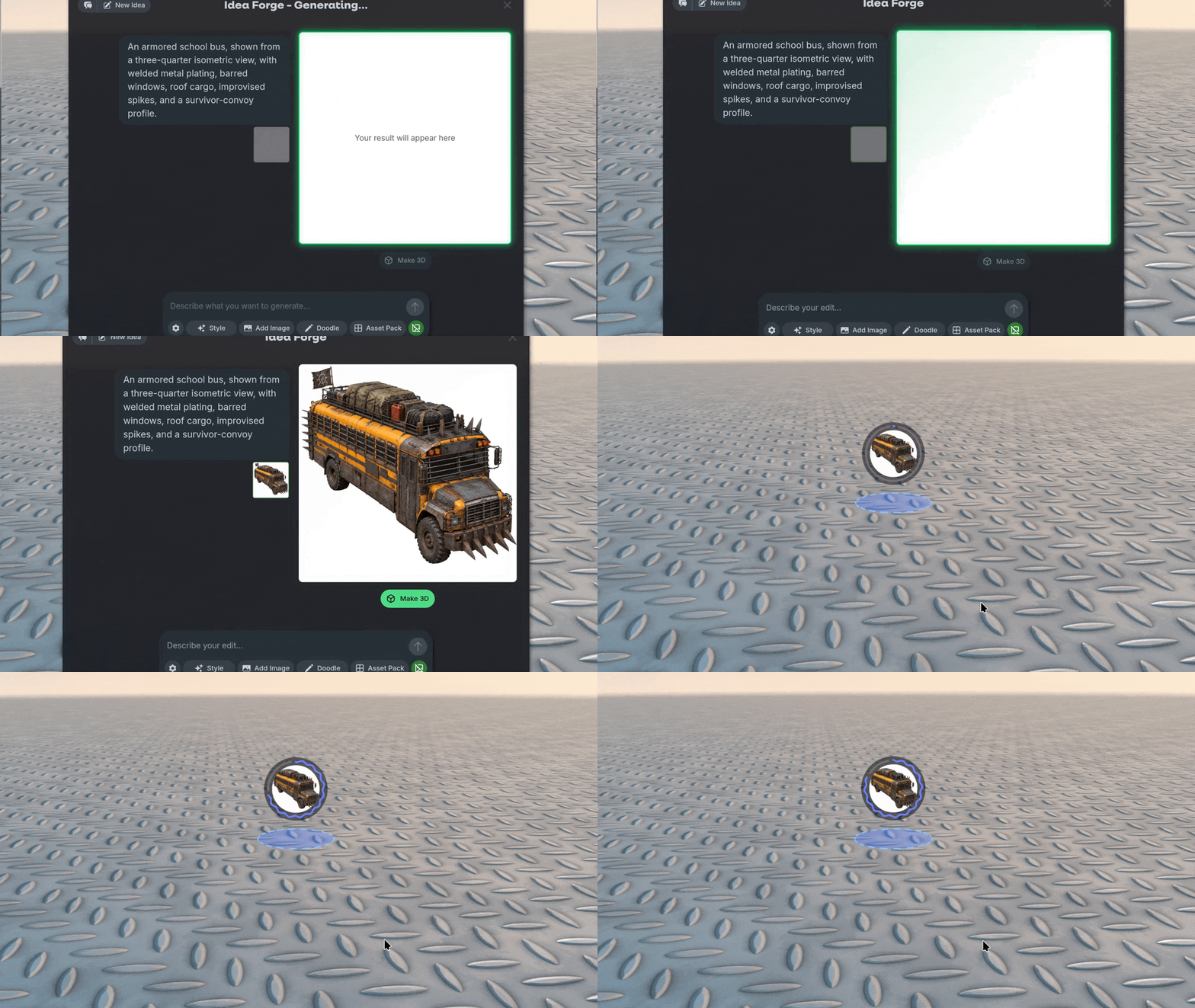
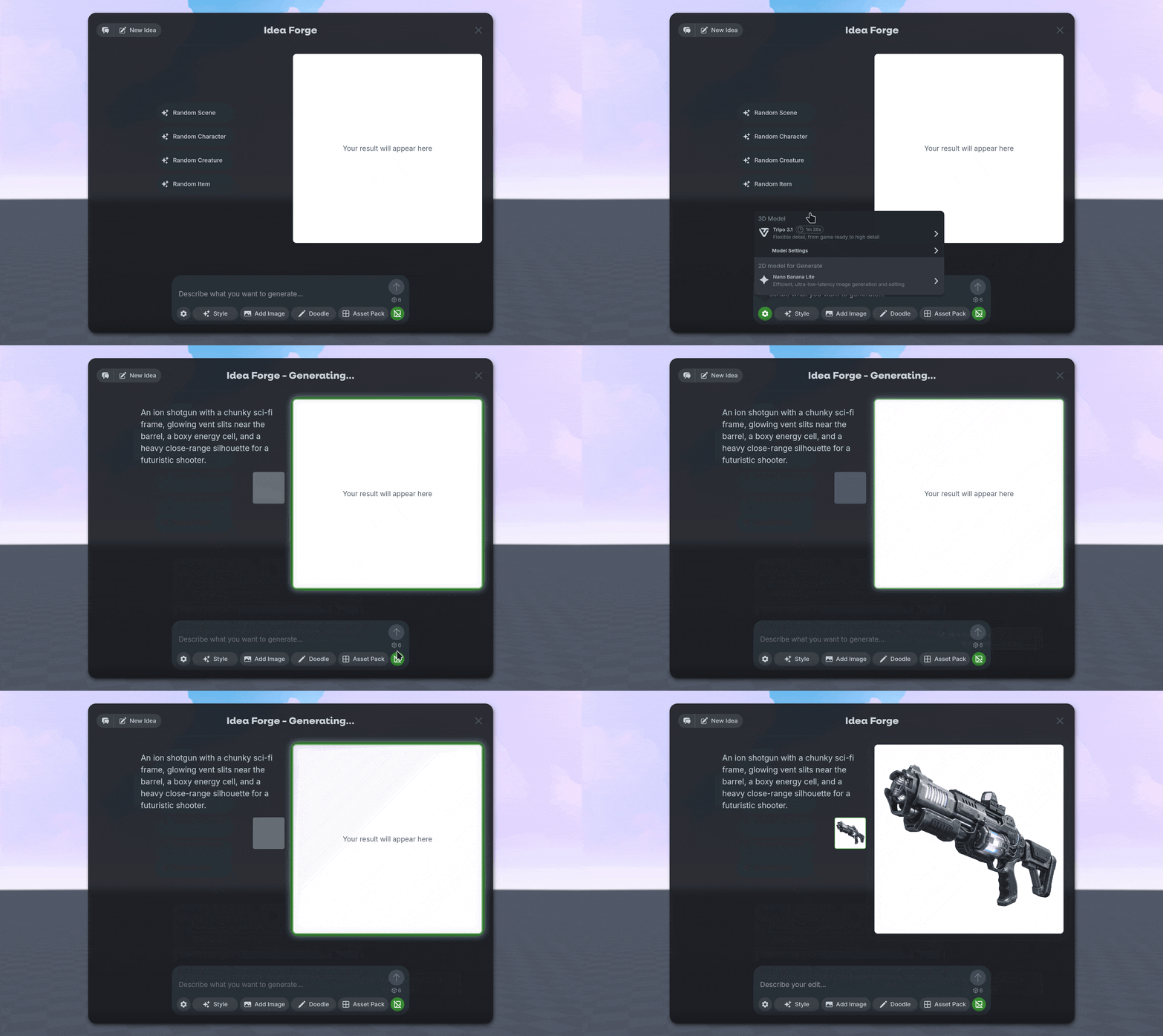
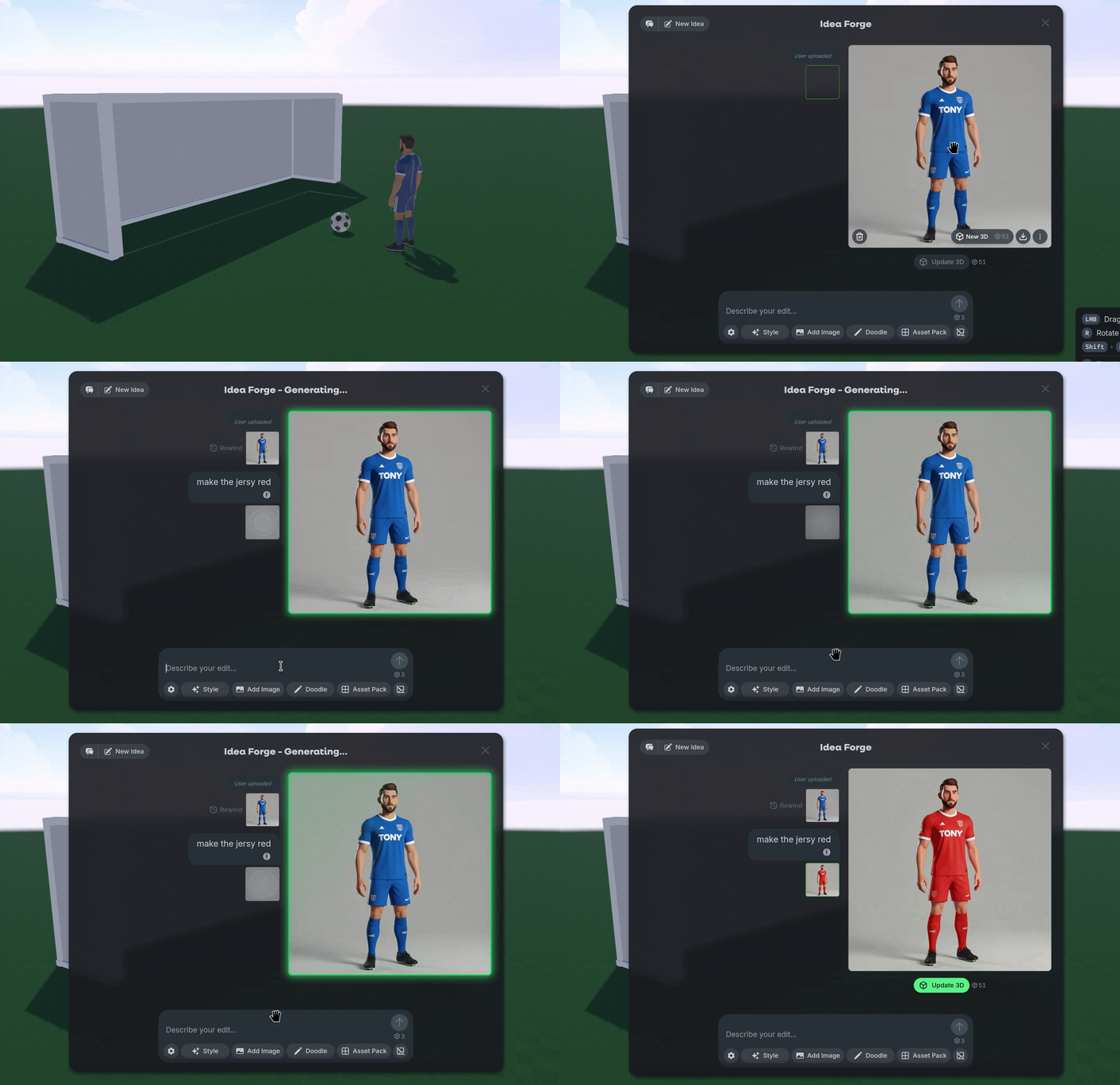
We added GPT Image 2 to Idea Forge! GPT Image 2 offers higher quality generation, similar to Nano Banana Pro. Use it to achieve some stylized images or upload your own images to edit further.

💰 Automatic Top-ups

We added the option to automatically top up your wallet if your Bit balance is low. On your accounts page, set the amount you want to top-up and keep creating without slowing down.

💡Changes & Fixes

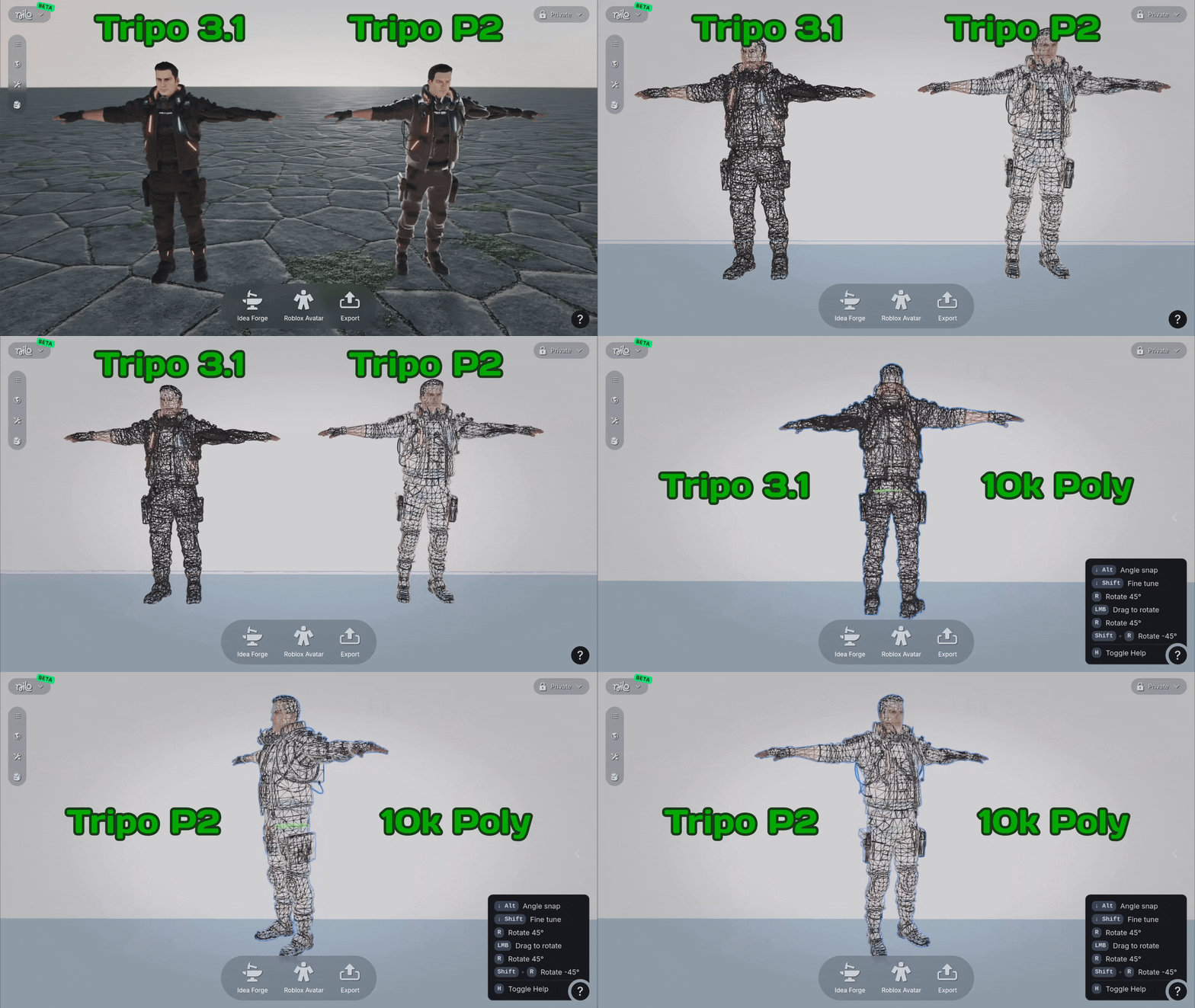
  • Changed the default 3D AI model to Tripo 3.1. You should expect higher-quality results, but if you want to iterate quickly or spend fewer Bits, you can adjust the model using the ⚙️ gear icon.

  • Tweaked our camera settings in vehicle mode to be a bit smoother when in control.

  • We made existing worlds Spectator mode by default, if you want to edit a world you’re visiting try to clone it first!

  • Fixed a bug that removed the color from the model when exporting as a GLB file.

  • Fixed an issue where physics colliders would not recalculate if you mirrored the mesh in the Inspector Menu.

  • Fixed a bug where Tripo 3.1 required a builder subscription.

  • Fixed an issue in our explore page that resulted in errors when trying to visit older Nilo Worlds.

  • Fixed a launch bug on Chromium browsers.

April 30th, 2026

Updates

🧩 Primitives +

We added more configurable options to primitive objects in the Inspector Panel! When selecting a primitive object like a sphere or square, you can use the Primitive section in the Inspector Panel to change the properties like thickness, segments, and angle slices. Let us know what you want to see next with primitive objects!

🛠️ Code Editor

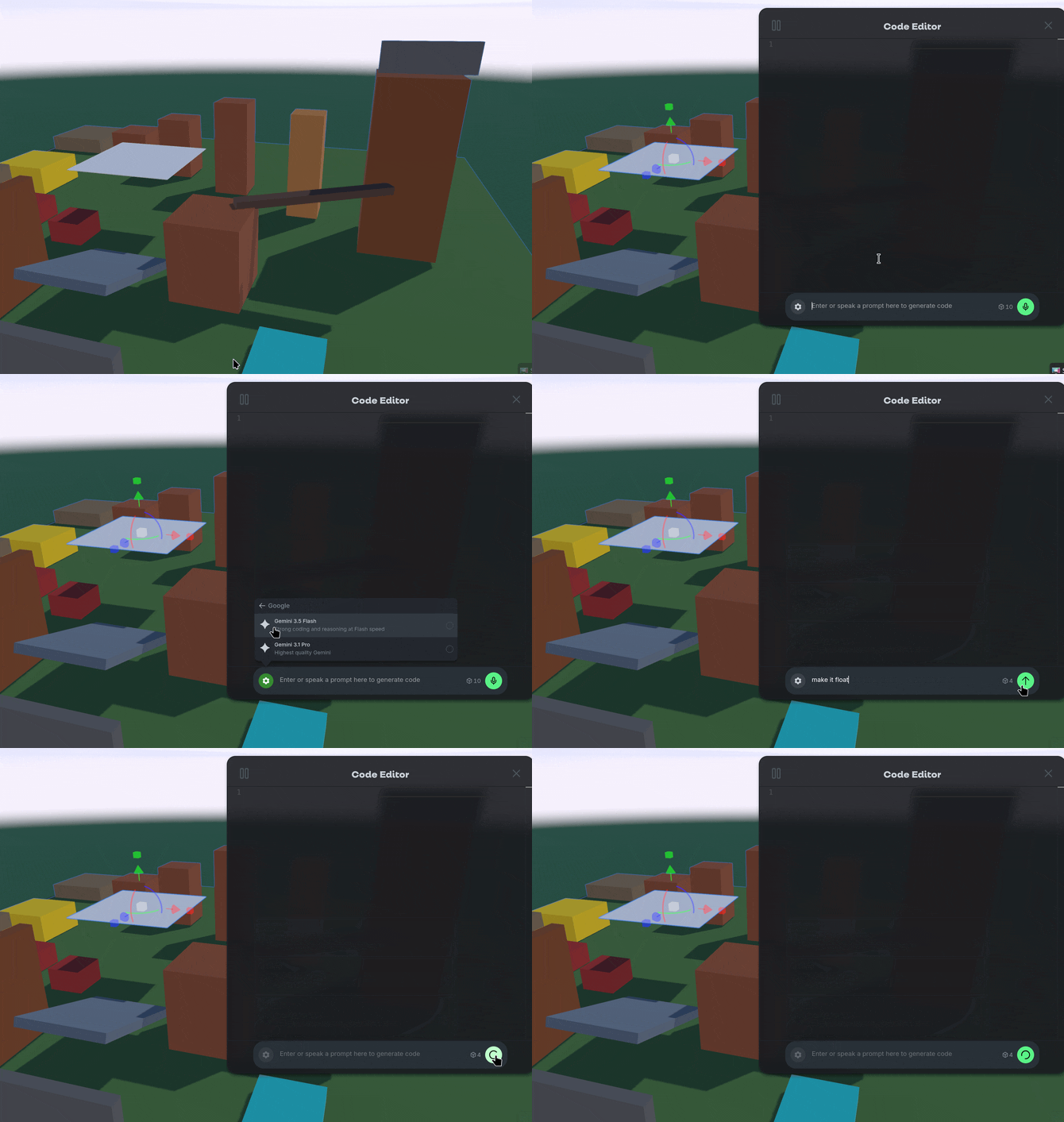
We added a few more options for AI Models in the Code Editor. You can use the ⚙️ Gear Icon to select GPT 5.4, Claude Opus 4.7, or Gemini 3.1 in the Code Editor. You can use some of these options without costing Bits for the first few times just to try it out. ✨

💡Changes & Fixes

  • Added the ability to use some Builder Subscription features like Tripo P1 five times, giving you the option to try it before you subscribe for it.

  • Added some better previews when you link your profile from Nilo Rewards to your friends.

  • Raised the minimum polygon count for Tripo 3.1 to be 4,000 to improve quality.

  • Removed animation assets from the Builder Bag until they were better supported.

  • Added the ability to clear content from the Idea Forge using the 🗑️ Trash Icon.

  • Fixed a bug where character rigs would export 100x smaller than intended.

  • Fixed some UI errors and naming conventions across various windows and menus including the Builder Bag, Radial Menu, Workbench, and the Inspector Panel.

  • Fixed a bug that caused issues when moving multiple objects with the Gizmo.

  • Fixed an issue when importing .RBXMX models that caused textures to appear blurry.

April 17th, 2026

Updates

🛠️ Workbench Animations

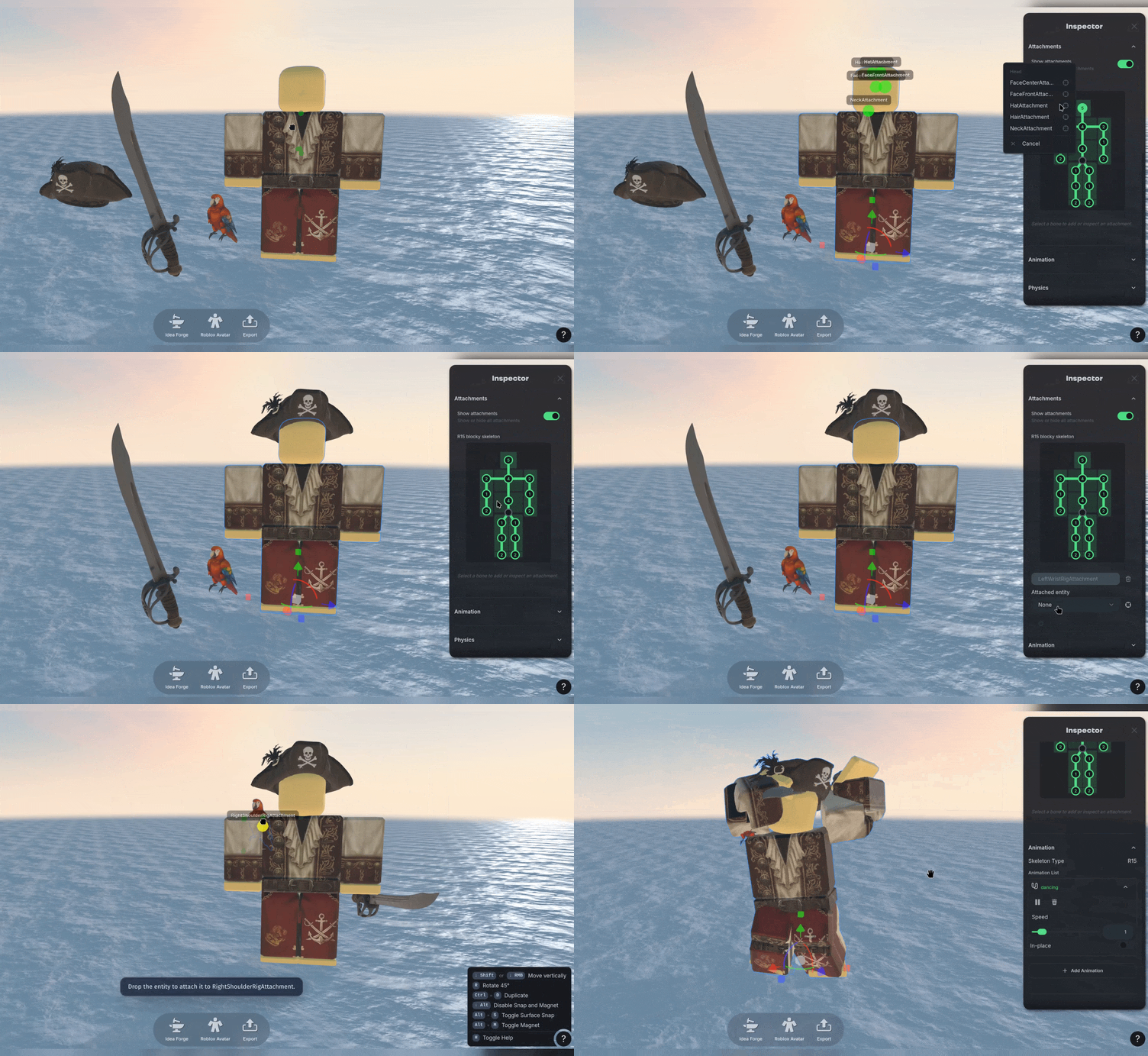
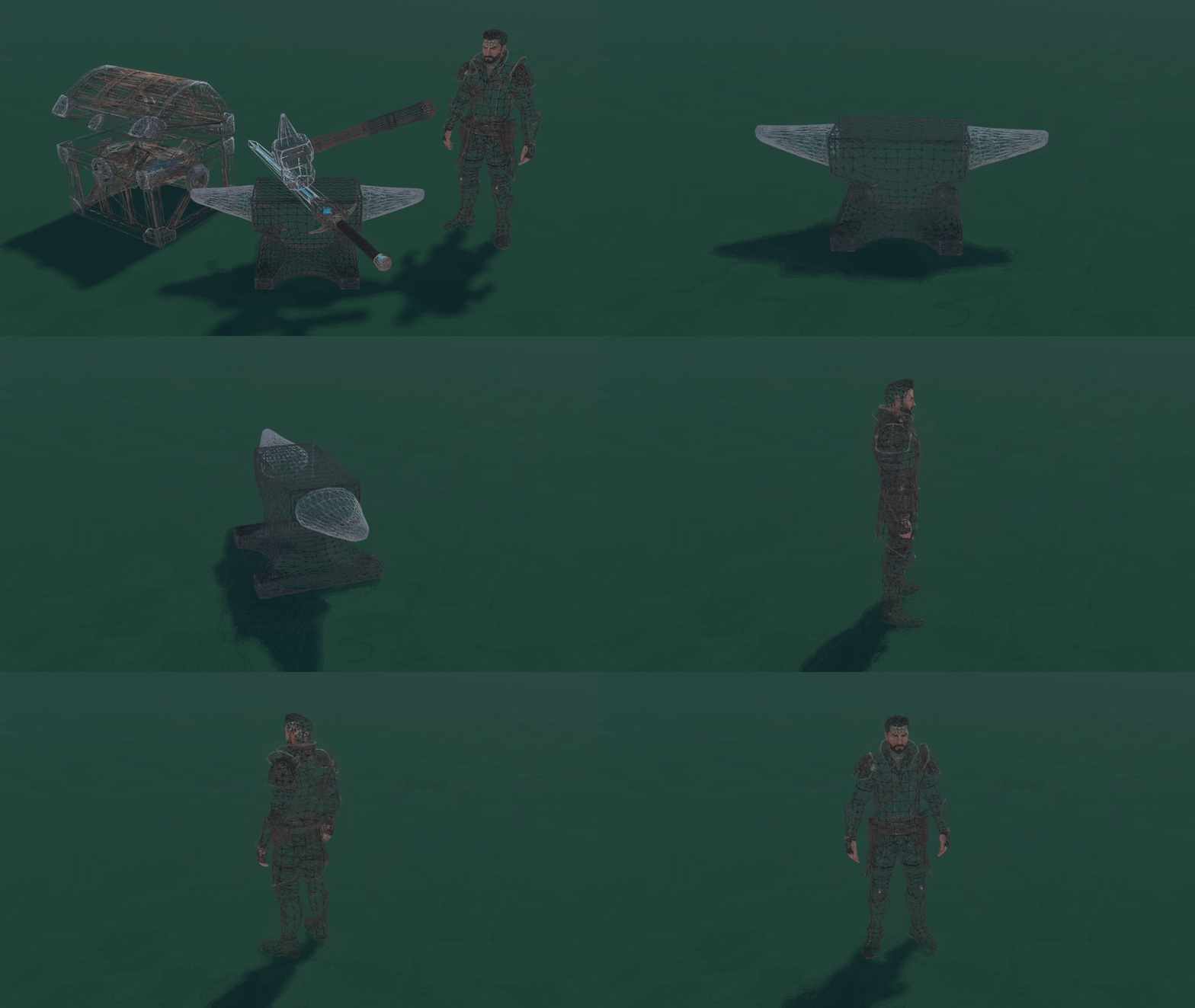
We now support multiple animations on RBXMX models using Workbench! Prompt to create new animations, or add them from your library to customize your character.

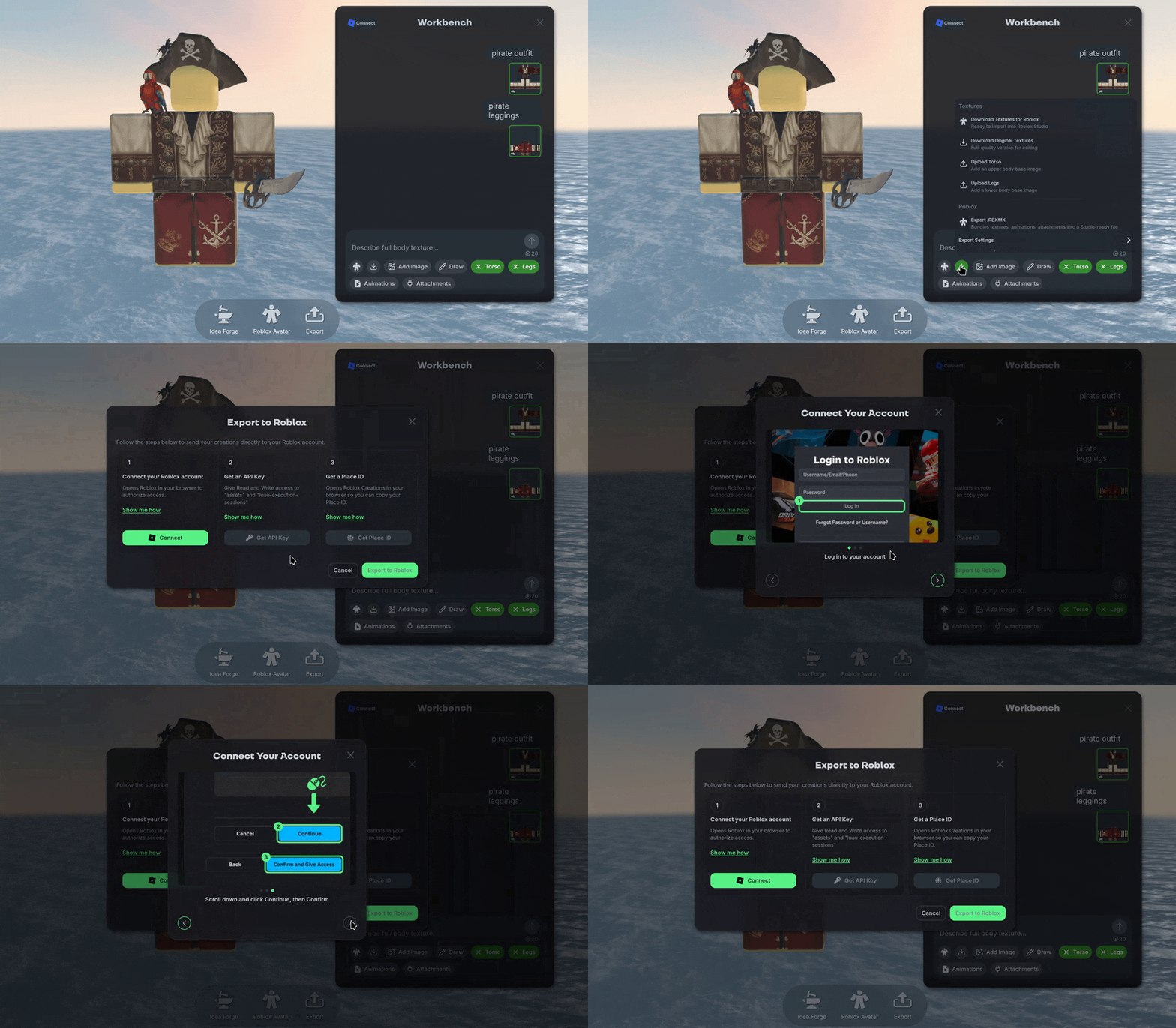
We also added a direct login option for your Roblox account! Link it with Nilo using the Roblox button so you can directly export a RBXMX model with all of your custom textures and animations in a single click with the Builder subscription!

🧊 Large Object Importing

We’ve made it possible to import large, complex objects- such as Rec Room worlds- directly into Nilo! In the Dev Panel scroll to the Separate Meshes on Create option and toggle it on.

🎓 Help Center

In case you’ve missed it, in addition to the AI helper and documentation in Nilo, we also have a dedicated help center here where you can ask questions and search for articles related to Nilo: https://help.nilo.io/

💡Changes & Fixes

  • Fixed various quality issues when generating 3D models with Tripo AI.

  • We gave the Code Editor a face lift!

  • Improved our rigging quality for characters.

  • Updated the Radial Menus to show Character and Controls more clearly.

  • Improved some animations and sound in Nilo Rewards, check back for more updates soon!

  • Improved the quality of our character animation generations.

  • Updated the Radial Menus to show Character and Controls more clearly.

  • Tweaked how our physics were calculated on objects you are controlling to reduce jitter and lag.

  • Reduced generated animations to 5 seconds to reduce the Bit cost to 32 instead of 64. Let us know if you want longer animations!

  • Added an upload image option when using Doodle in Idea Forge.

  • Fixed a bug that allowed world image previews to be updated erroneously.

  • Fixed a bug where prompting in Idea Forge would update what you’ve sketched in Doodle, rather than the rendered result.

  • Fixed a visual issue when opening and closing the Radial Menu multiple times.

  • Fixed several small errors in Idea Forge when generating images and using No Background features.

March 31st, 2026

Updates

🛠️ Idea Forge

Introducing the new Doodle! Idea Forge builds on top of the previous Doodle feature with even more power than before! Use 🗨️ Chat History to keep track of your generation history, and create dozens of New Ideas with the help of the Random Idea prompt generator!

Just like before, you can also Doodle and sketch what you want to create, but now you can also quickly generate Variants with a single click.

🖼️ Image Styles and Inputs

Inside Idea Forge you can use custom Styles or Inputs to influence the output of the generation! You can create your own reference elements by Capturing a Scene in your World, Camera or Upload.

Then you can select as many Styles or Inputs as you want to create a consistent, unique look to your ideas!

🧱 Asset Packs

That’s not all Idea Forge can do! Using the Asset Pack function you can take any image and create a Part Sheet of all the components. This makes it easy to create dozens of 3D models in a consistent style, without the need for tons of guess work and iteration.

You can also Box Select by clicking and dragging a section of the image to isolate parts and Refine Selected to edit and iterate on your objects even further!

👕 Workbench

We’ve made creating Roblox-Ready assets even easier for you with the new Workbench feature!

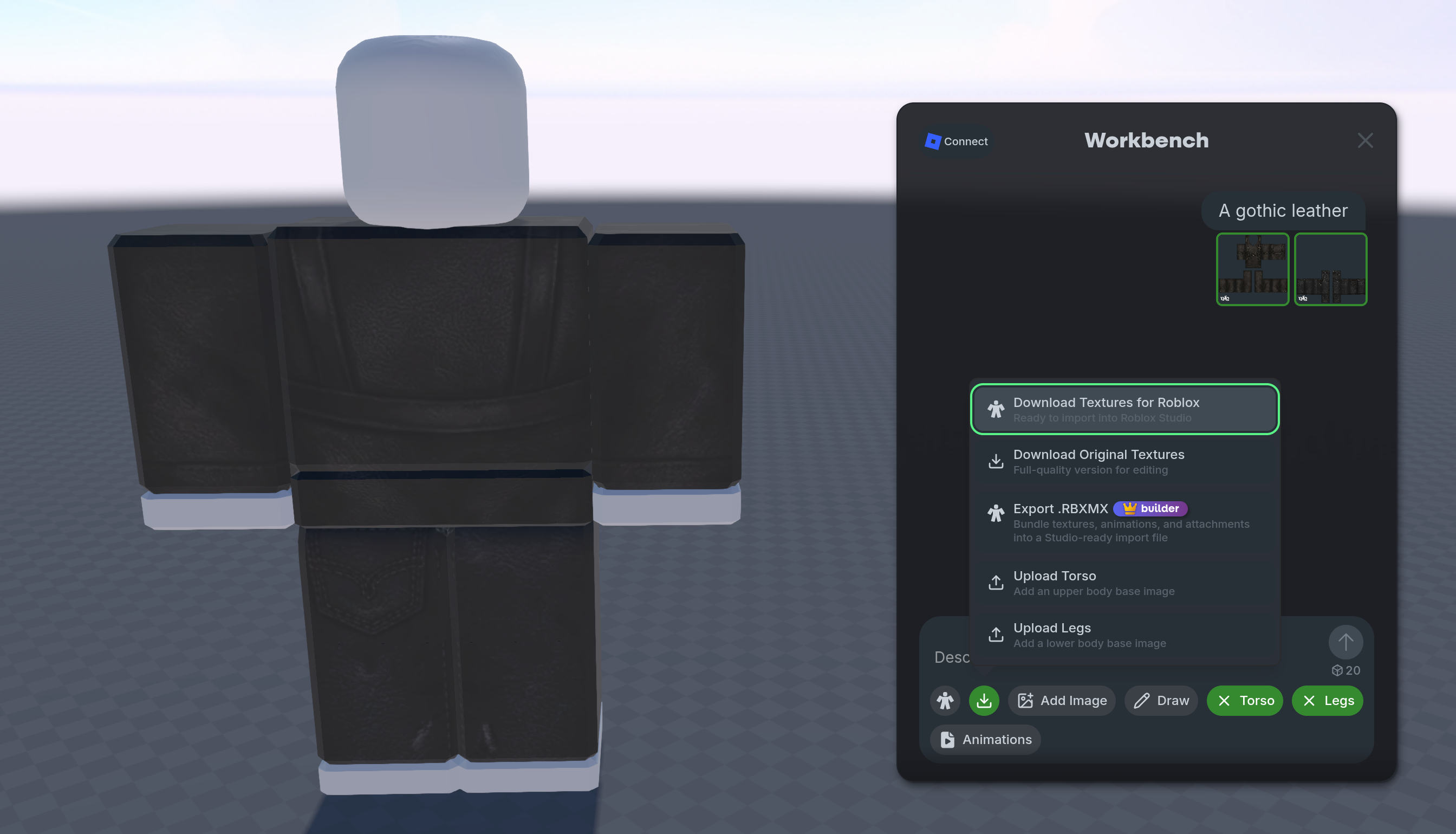
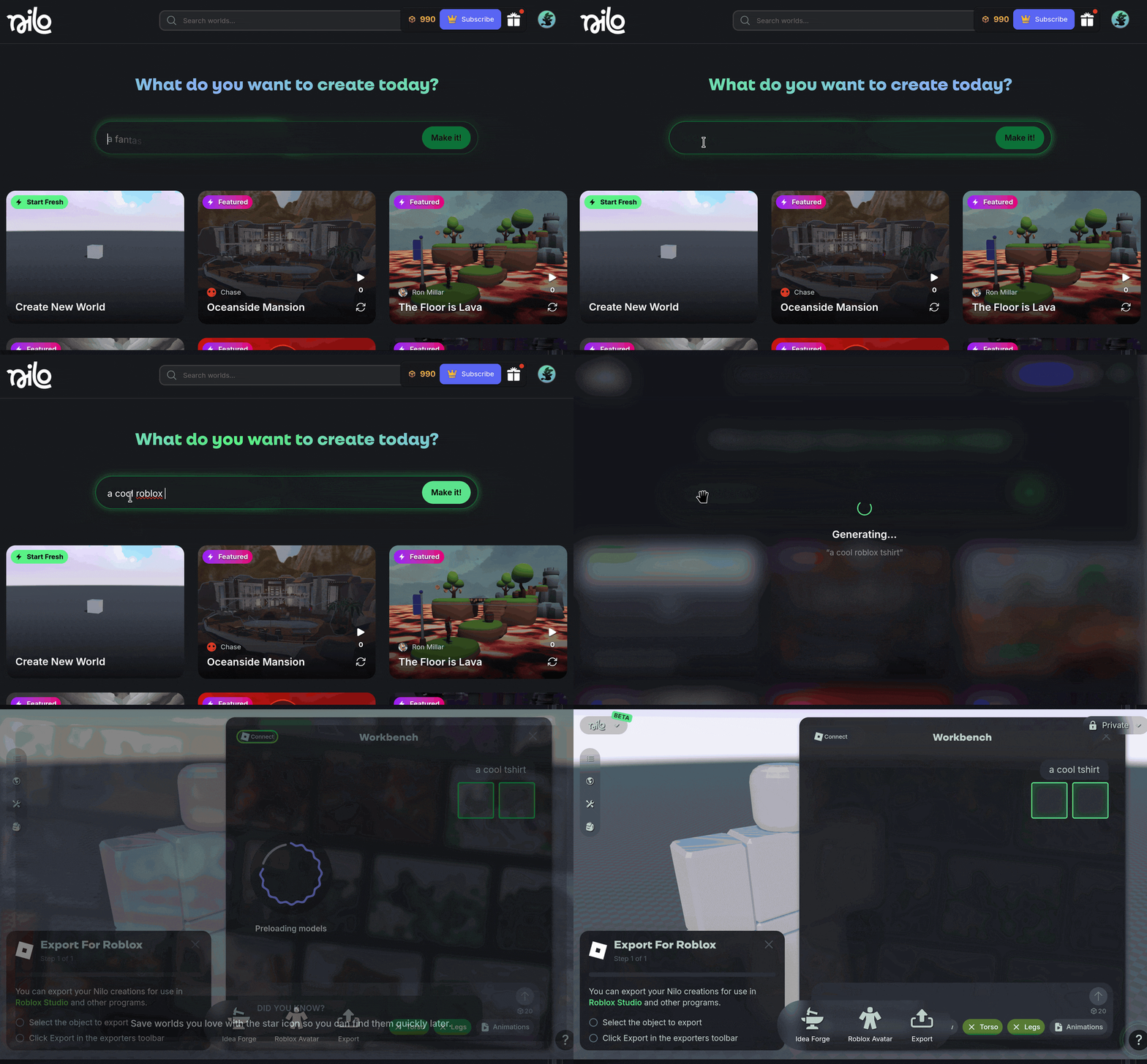
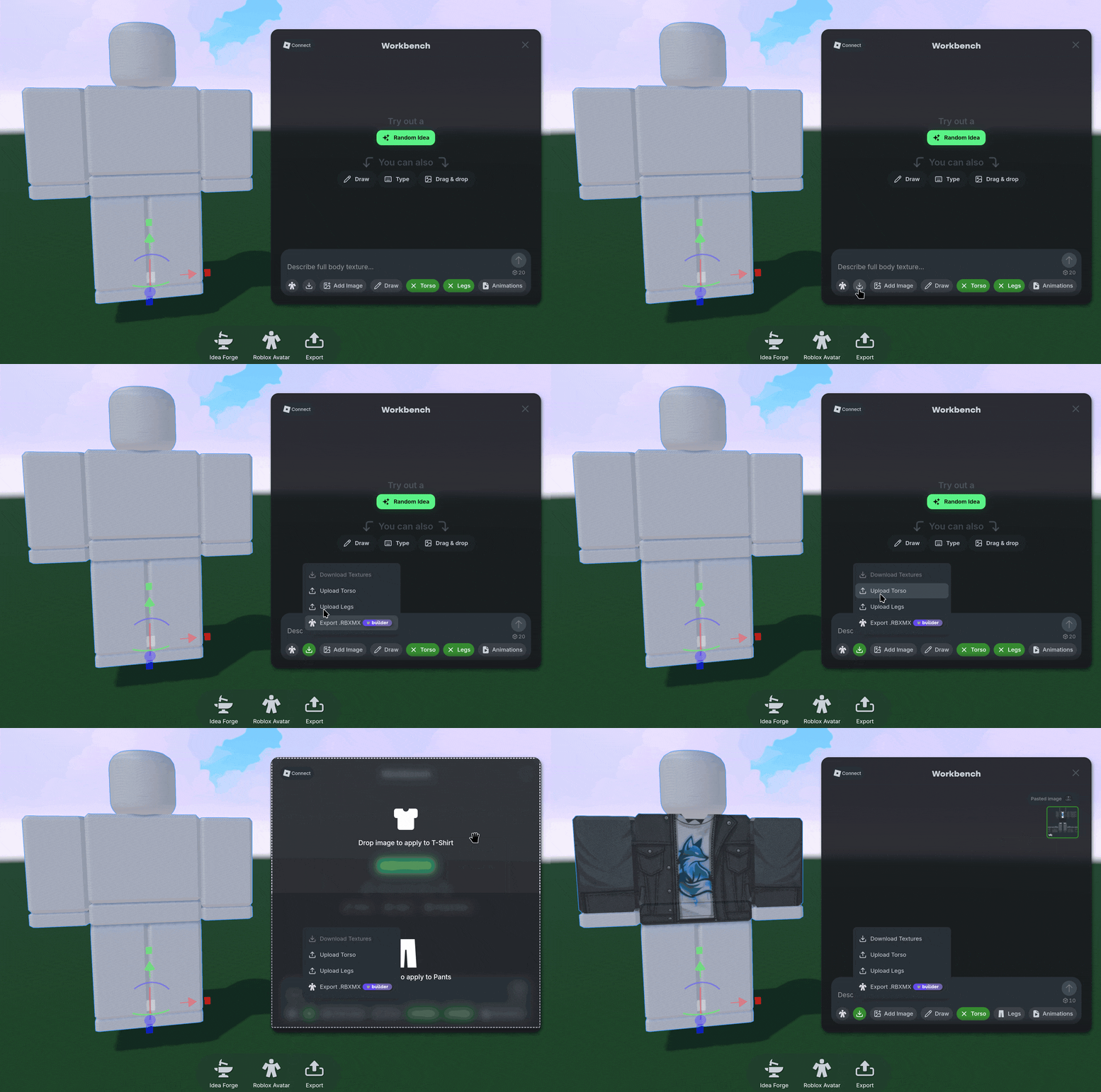
Open it using the Create → Roblox Character option and prompt or Draw a texture directly on the model. Customize the skin, and even download the Torso and Leg textures separately if you want.

With Workbench, you can also use the Animations option to generate custom animations and export Roblox characters in Roblox’s native format with animations and clothing — all Robux-free. We’re still working on some extra Roblox-specific exporting features, so keep an eye out for an option to connect your Roblox account directly to Nilo!

🎒 Builder Bag

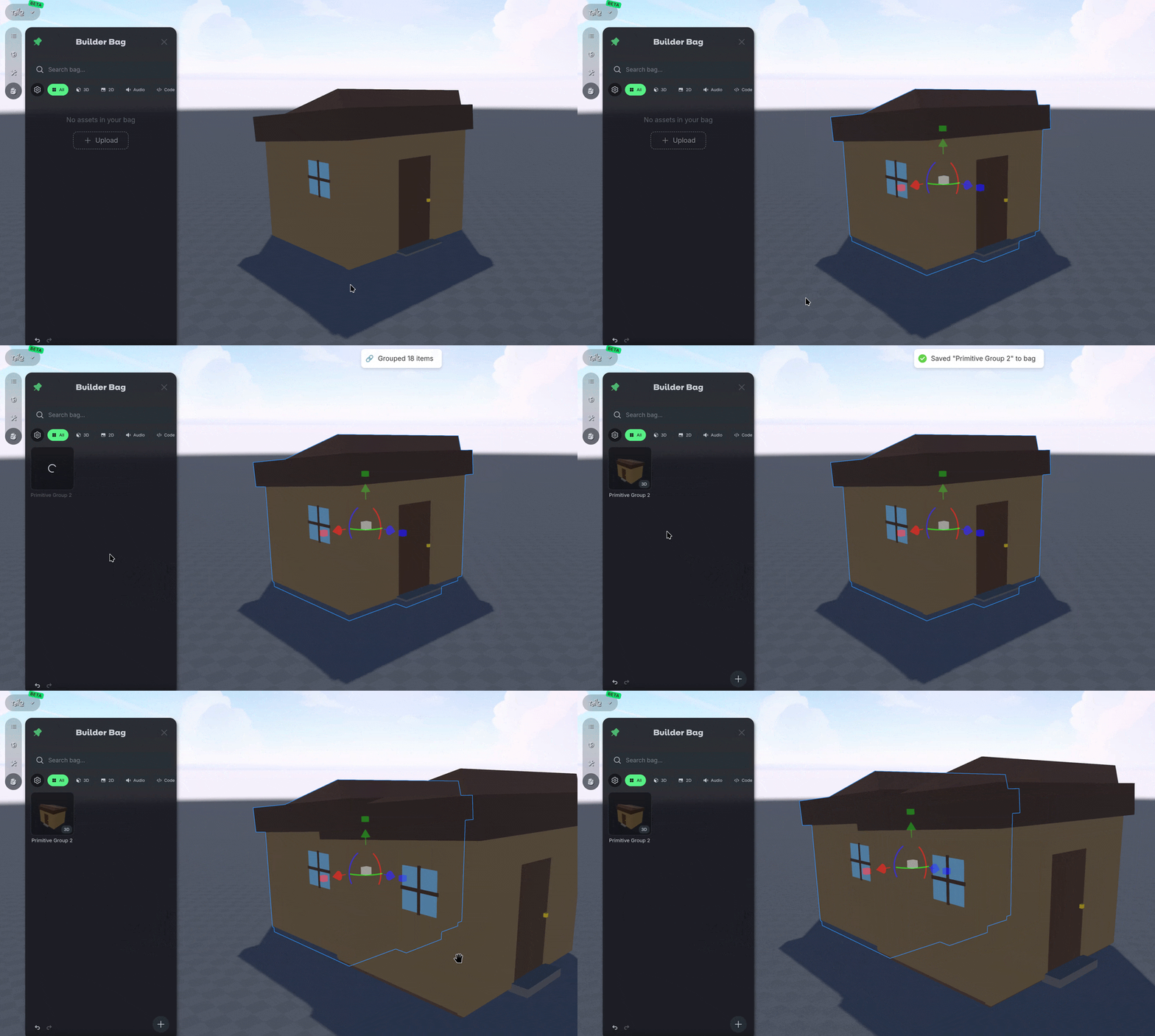
We’ve added your very own personal asset library with the Builder Bag! Store 3D files, 2D images, or audio files in your Builder Bag and use them across any Nilo World with a simple drag and drop system!

Drag files in or out of a World, even in places like the Idea Forge and Workbench to quickly reuse and remix your objects. You and also use “B” to save objects to your bag, and “Tab” to open Builder Bag.

Access your Builder Bag using the 🎒 Backpack Icon at the top left of the screen.

⏯️ Sandbox & Spectator Mode

Protect your published worlds with the new Spectator and Sandbox modes when you share Worlds with others in the Nilo community! Sandbox mode allows all editing tools to be enabled, meaning other users can change and collaborate in your World. Spectator mode disables object modification so your world for other users, keeping it preserved and only modifiable by you. You’ll still have a private copy of the world you can manage using a Source and Live function.

🤝🏻 Collaborator Permissions

Co-creating in Nilo is now managed through Collaborators! When you own the World, you can edit the Collaborator settings in the Main Menu on the top left of the screen. Search for the user you want to collaborate with and add them to your World as an editor or viewer, without needing to publish your World.

🤖 Ask AI How Tos

Got a question about Nilo? We have a new answer! Nilo now has a documentation hub learning all things Nilo! To find it, use the “?” button on the bottom right side of the screen and select “Help”! You can look up what you want to do, or Ask AI your question! We also have Video Tutorials available if you prefer to watch how to do something.

Support related inquiries should also use the message function during business hours for help with account issues, billing, or other questions about Nilo.

🎁 Nilo Rewards

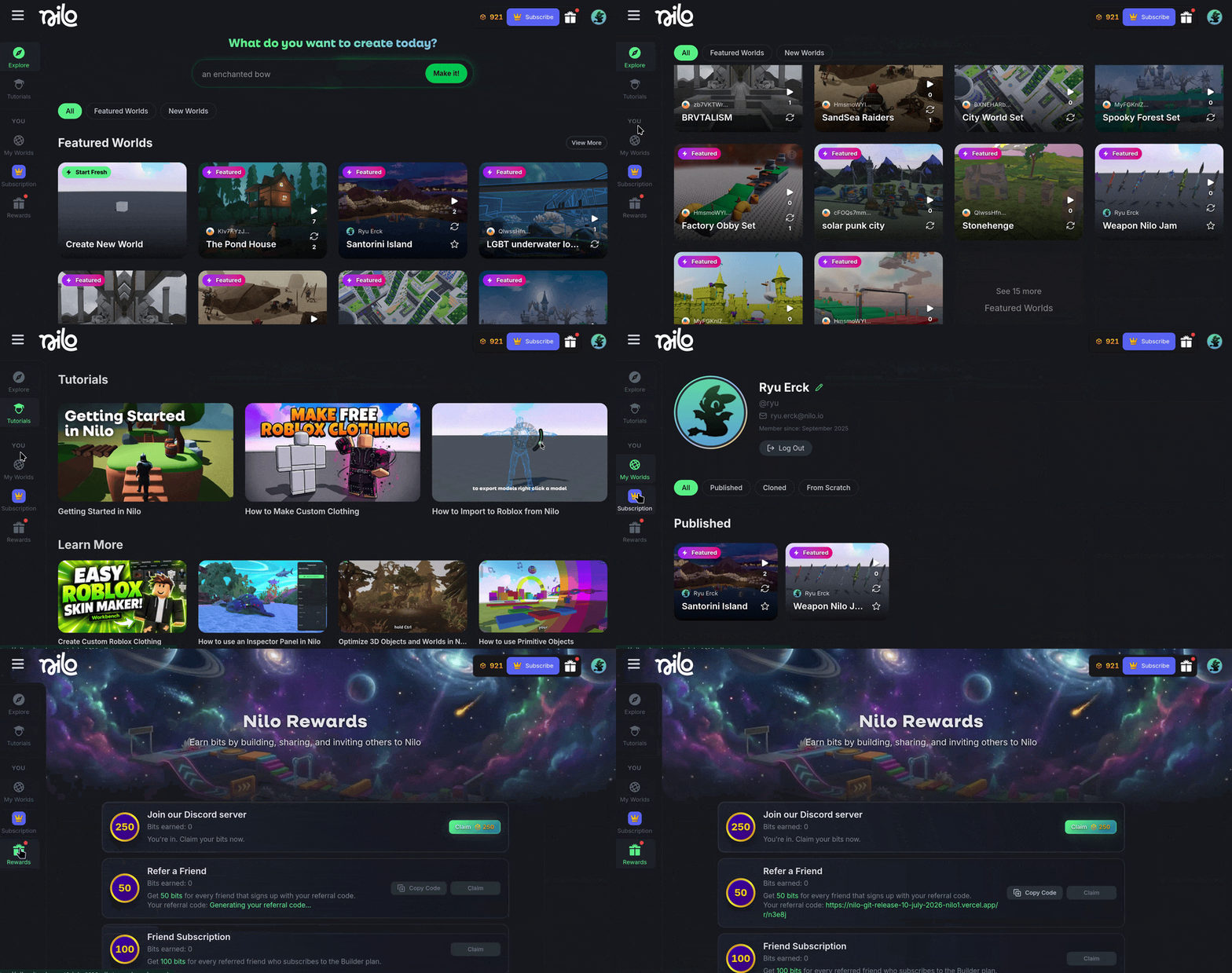
Nilo Bits are here! Bits are used when generating content, and are given through monthly Subscriptions or bought with one-time payments. You can also earn Bits for free when building, sharing, and inviting others to Nilo. You can access Nilo Rewards and earn extra bits by selecting the Gift Box icon or on https://www.play.nilo.io/rewards

💡Changes & Fixes

  • Added a new AI Model, Trellis for 3D asset creation. This model sits at a middle ground between speed and quality and is our new default option when first starting in Nilo. It allows you to adjust the Model Settings to aim for a specific polygon count from 1,000 to 2,000,000!

  • Removed Tripo 3.0 and Low Poly model generator options. To get low poly results using a model generator, Select the ⚙️ Gear Icon again after choosing a model, and modify the Model Settings.

  • Added Gemini 3.1 Flash Lite to the Code Editor to increase the speed of code generation by 10x.

  • Added a new Source and Live Version to published Worlds to allow you to make edits on your published worlds without affecting other users playing it.

  • Added a new Animation section to the Inspector panel, allowing you to modify the speed and other properties on a character.

  • Added the ability to rename your display name and profile picture in Nilo when on your profile page.

  • Added the ability to change the World name without having to republish the world.

  • Changed how the Level of Detail (LOD) slider previews the model so the polygons are visible while dragging the slider, not only after release.

  • Updated a lot of our visuals for loading screens, UI, and generation of objects.

  • Removed the Material and Object Origin (Pivot Point) options from the Radial Menu, they still exist in the Inspector Panel!

  • Added an STL file export option, for things like 3D printing!

  • Added the ability to export multiple animations in the .GLB file format.

  • Fixed an issue where some animations did not import reliably.

  • Fixed an issue where animations did not apply when using the Radial Menu.

  • Fixed distorted screenshots when publishing a World.

  • Fixed a black screen error that occurred when loading a world where WebGPU rendering was not supported by your hardware.

  • Fixed a bug where the Ground and Sky texture slots in the Environment panel was showing a generic 'No texture' title instead of their texture type.

March 18th, 2026

Updates

🤖 Tripo P1

We’ve added a new AI Model for 3D model generation, Tripo P1! Tripo P1 is the latest model used to create more optimized, structured geometry in the mesh of an object. Generations will have less than 10,000 polygons, and have smarter topology that is optimized for games

🔆 Improved Character Movements

We made a few back-end changes to make controlling your characters feel smoother and perform better. Give it a try by using the Control option on a rigged, t-posed character!

💡Changes & Fixes

  • Changed the layout for the active Light entity type in the Inspector to make it more clear which light entity type is currently active.

  • Updated all of the color pickers for primitive objects, ground environments, and lights to use the same color pallet.

  • Added more stats like GPU Memory and Usage in the Dev Menu.

  • Tweaked the rag-doll physics to behave more reliably.

  • Fixed a bug where searching and creating character animations would not work.

  • Fixed a bug where some objects close to the ground that had physics enabled would move when loaded.

  • Fixed a bug where duplicates of a user would stick around in a world when refreshing a World.

March 5th, 2026

Updates

🤖 Tripo 3.1 Model with HD Textures

We added a new model to generate 3d objects that have higher levels of detail with HD textures. Use the ⚙️ icon when generating a objects to select the new Tripo 3.1 Models. There are also new toggles to generate with HD Textures or a PBR material for each AI Model.

🔆 New Light Options

We’ve implemented more Light options like Spot Lights, Area Lights, and Ambient Lights.

  • Spot Light - Emits light from in a cone with a direction. Good for Car Headlights or Lamp Lights.

  • Area Light - Emits light from a rectangular surface. Great to use for a large “soft source” of light from something like a Computer Monitor or Ceiling Lights.

  • Ambient Light - Emits a base level of light, similar to the Sun.

You can now find these options in the Inspector Panel after adding a Light entity.

🎨 Doodle Features

We added Undo, Redo, Eraser buttons to Doodle and added the latest AI Generation model Nano Banana 2! Generate 4x faster than the previous models with higher quality.

🪞 Mirroring Meshes

We added a mirroring feature to the Transform section of the Inspector Panel. Flip what direction your meshes are facing with a simple button click!

💡Changes & Fixes

  • Add the option to undo Rigging through Ctrl-Z

  • Added a highlight to the "?" Help feature for new users.

  • The dynamic help menu that shows shortcut options now also appears when hovering over gizmo.

  • Reverted a physics change that caused some objects to reload incorrectly when refreshing a world in a multiplayer instance.

  • Fixed a bug where the audio would occasionally mute based on camera position.

  • Fixed an issue where the prompt input menu would float off in the world.

  • Fixed Light Entities duplicating incorrectly.

  • Fixed an issue where duplicating many lights caused excessive brightness.

  • Fixed a bug where bloom effect would be enabled when the option was disabled in the settings.

  • Fixed a bug where screen would go black / freeze after publishing world.

February 19th, 2026

Updates

🚀 New WebGPU renderer!

We built a new renderer based on WebGPU! This brings a significant performance improvement to your worlds and allows us to ship even higher graphics quality features in the future.

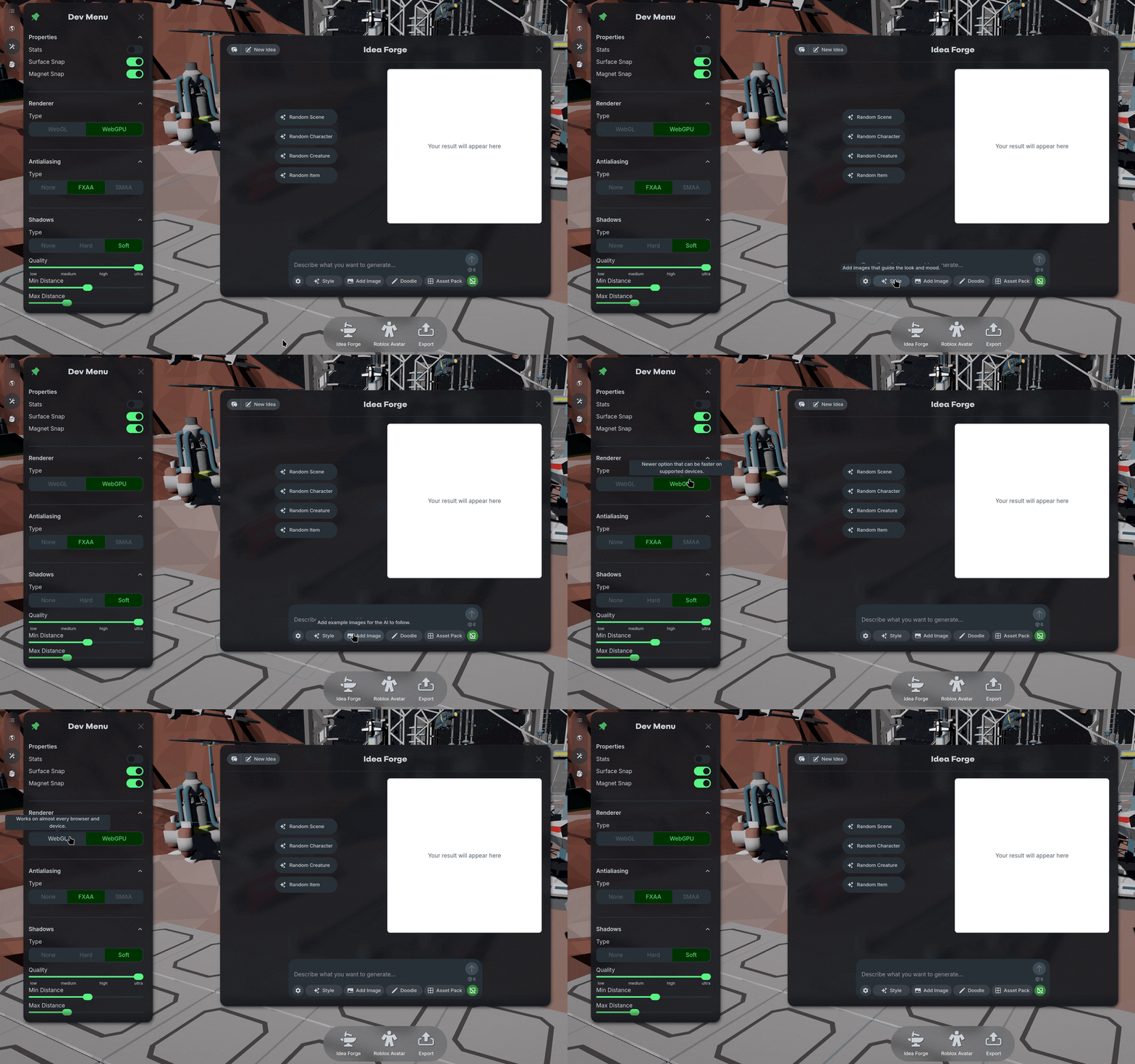
By default, WebGPU is enabled so you should not have to do anything and enjoy the benefits! But please let us know if you notice graphic issues. If you want to switch between WebGPU and WebGL, you can use the ⚙️ developer settings.

✨Export +

We simplified the naming conventions used when creating and exporting generated models. Your objects will be named after the prompt.

We also added the FBX file type when exporting models from Nilo. Let us know if you want additional options!

🖼️ Doodle +

We updated the doodle panel with a few more tools.

  • You can now select the ⚙️ icon to change what AI model is used to generate your 3D objects based on the 2D image.

  • Selecting the 🚫🖼️ icon will toggle a "No Background" mode when editing images. When enabled, images will use a solid white background instead of a full scene background.

💡Changes & Fixes

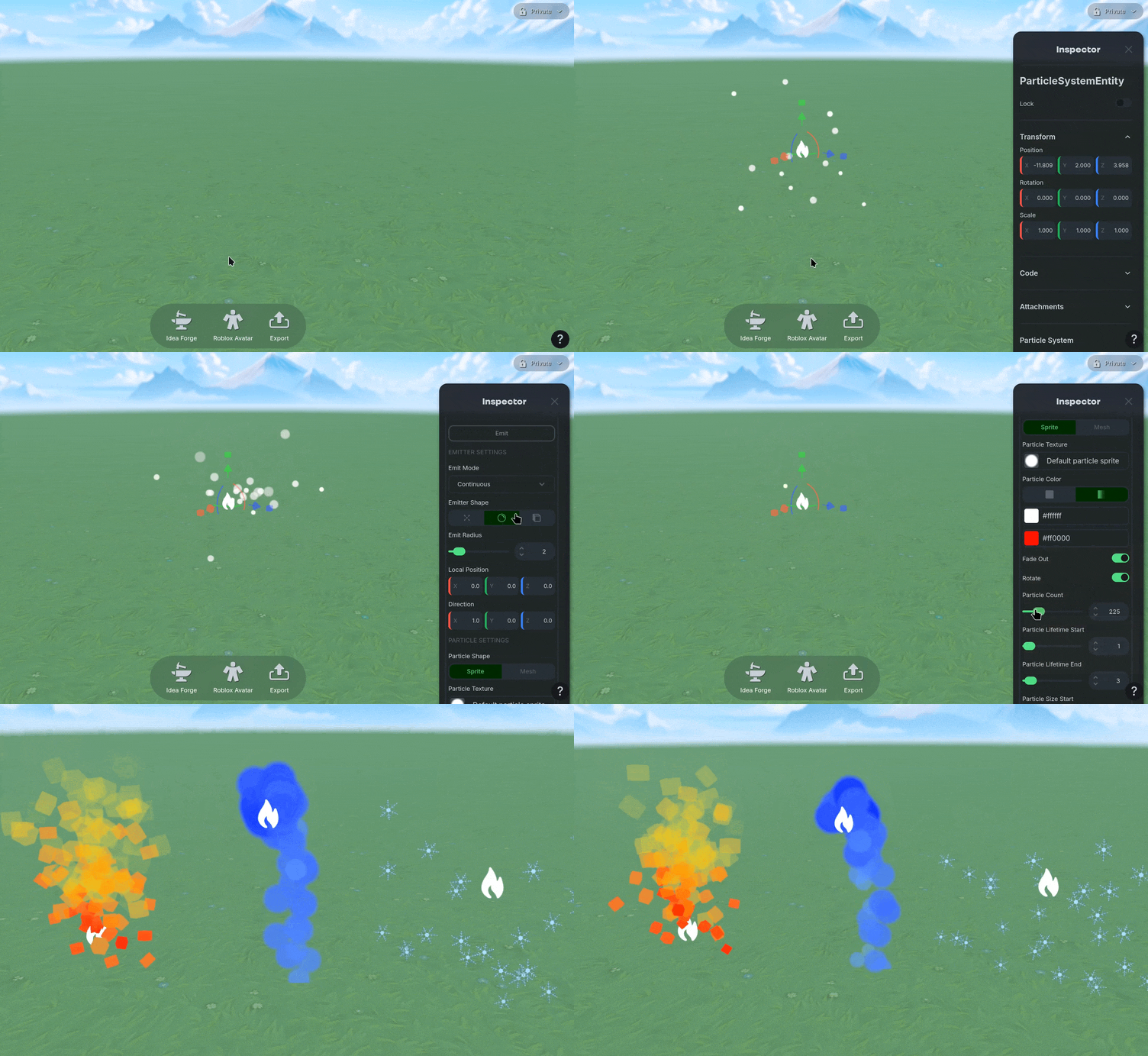
  • Added the particle system settings to the inspector Panel

  • Changed the particle system to use a more intuitive UI selection method

  • Added an option to create a new world from the Nilo main menu

  • Added region-based servers to improve stability if you connect to Nilo in different countries

  • Fixed an issue with where the gizmo tool would rotate multiple objects incorrectly

  • Fixed a bug where new primitives teleport to the world origin when created through the radial menu

  • Fixed an issue where in-progress generation could be duplicated and manipulated before generation was complete

  • Fixed a bug where transparent "ghost" models were left behind after cancelling a duplication action.

  • Fixed a bug where duplication might fail

  • Fixed an issue where some objects would disappear when being moved by other users in a world

  • Fixed a bug where you couldn’t delete multiple lines at the same time in the Code Editor

  • Fixed an issue where some objects would drift when rotated

January 28th, 2026

Updates

✨ Better Level of Details

We’re back early with a smaller update addressing some of the important feedback our Founding Builders have given us! You can now see the polygon count in the Inspector Panel when editing the Model using the LOD (Level of Detail) slider!

On top of that your models should look a lot nicer when reducing the polygon count— see the difference (or lack of) between 250k polygons and 2k with this fox:

🤖 Code Editor Tweaks

We adjusted our code generation model to give you the outputs you’d expect a bit more reliably. Give it a try— move your objects around, change the colors, and more!

💡Changes & Fixes

  • Fixed a bug where the camera would snap positions unexpectedly while moving around and using right click to pan the camera around.

  • Safari browsers should now work with Nilo.

  • Using “F” to focus on objects is more reliable... no more shooting off into the distance!

January 22nd, 2026

Updates

🏰 Model Selector

We added more AI 3d Generators to a Model Selector! Select the ⚙️ icon when generating a model with text prompts and choose between Tripo 1.4, Tripo 3.0 or Meshy 5. Each model will have different advantages in polycount, texture detail, and speed. Try to experiment with what best suits your needs for performance or visual quality!

For now, when you create 3d objects using the Doodle tool, the Model you’ve selected from the text prompt will be used as default. In a future update we’re also looking to add the Model Selector to the Doodle tool.

☀️ Bloom

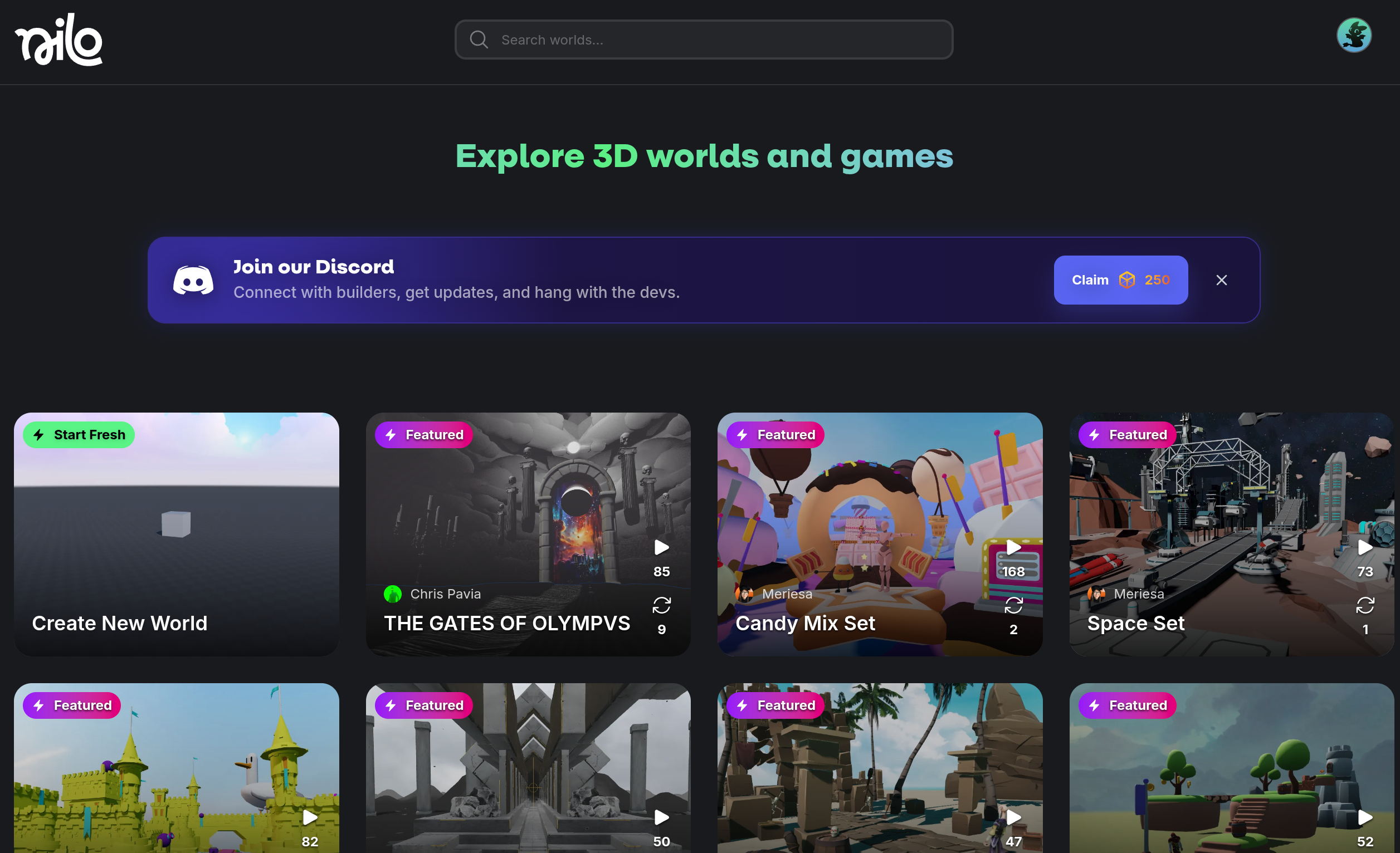
We added a Bloom feature to the Developer Panel! Along with the other color grading tools you can now dial in the visual flair of your world even more to make it pop.

🔎 Entity Renames and Search

We added the ability to name entities, making them visible, editable, and searchable in the inspector panel! Organize your complex scenes easier, or find what you created before by using “F” to focus on the object while it’s selected.

💡Changes & Fixes

  • Added a Search option for worlds on the Explore and User Profile home pages.

  • Added a ground color picker and intensity slider to easily adjust the base texture of the floor in your worlds

  • Added an option to separate worlds you created by cloning or from scratch on your profile page.

  • Added a simple color selector to the radial menu for lights, but you can still use the Inspector panel to select any color for your lights!

  • Added the ability to delete a generation in progress.

  • Added more details to error messages if model generation fails.

  • Added toggles for Surface and Magnet snap in the Dev Menu.

  • Added a toggle for Muting Audio when switching tabs, on by default.

  • Tweaked the focus feature to now have three states that cycle when you press “F”. Initially the camera will frame your object, then zoom into the object, and then zoom out from the object.

  • Updated our default Doodle generation model to be even faster with Flux-2-Flash.

  • Fixed an issue where the LOD settings wouldn’t be saved when refreshing the browser page of the world.

  • Fixed a bug where you could take control of models before rigging was completed.

  • Fixed an issue where sound settings would not sync for multiple users.

  • Fixed a bug where moving objects would jitter them around from the perspective of other users or when frozen.

December 17th, 2025

Updates

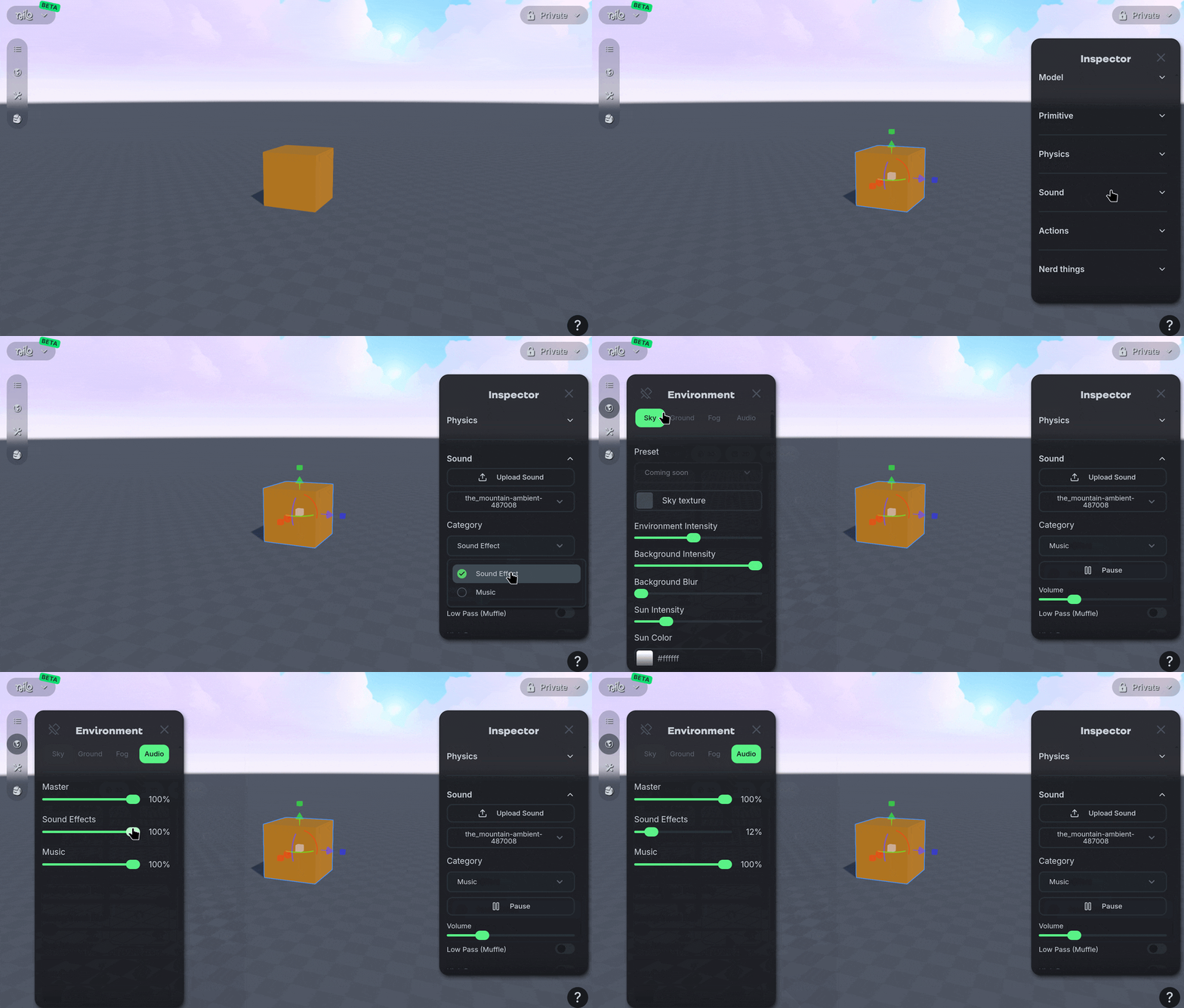
🔉 Spacial Audio

Introducing Spacial Audio! Now you can attach audio files (MP3, WAV, OGG) to any object in a world. First select the object you want to add the sound to, then navigate to the “Sound” section of the Inspector panel. Upload your audio files and choose what to play. The audio will play indefinitely on a loop until you pause it.

You can tweak the audio with Low, High, and Band Passes, adjust the pitch, and add some reverb effects to set the tone of your world just right.

We’re super excited to introduce sound to Nilo, please let us know how you’d like to see this feature improve!

🎨 New Doodle Support

We added more AI model providers to our Doodle tool when creating images. When you’re using the Doodle tool, use the drop down box to try out Nano Banana Pro for highly detailed and stylized images— great for character models! Or do quick iteration with Flux 2 and Flux 2 Pro for simple structures or clay-like characters. You can also now use GPT Image 1.5 to tweak the image further with more control than other model providers in the edit tab.

🏰 New Rigging Support

We integrated a new system for rigging tasks! From our testing we’ve seen rigging speed improve tremendously and much better results with models that are not already in a “T-Pose”. We recommend generating models with T-Poses for the best results, but you can now rig any bipedal character!

We’re also still working on better support for non-biped creatures (like dogs or cats!) but that currently does not work well with this rigging system.

💡Changes & Fixes

  • Added a keyboard shortcut (Alt-I) to hide all editor UI elements for an unobstructed view. Perfect for recording some scenes without having to toggle off all your icons manually!

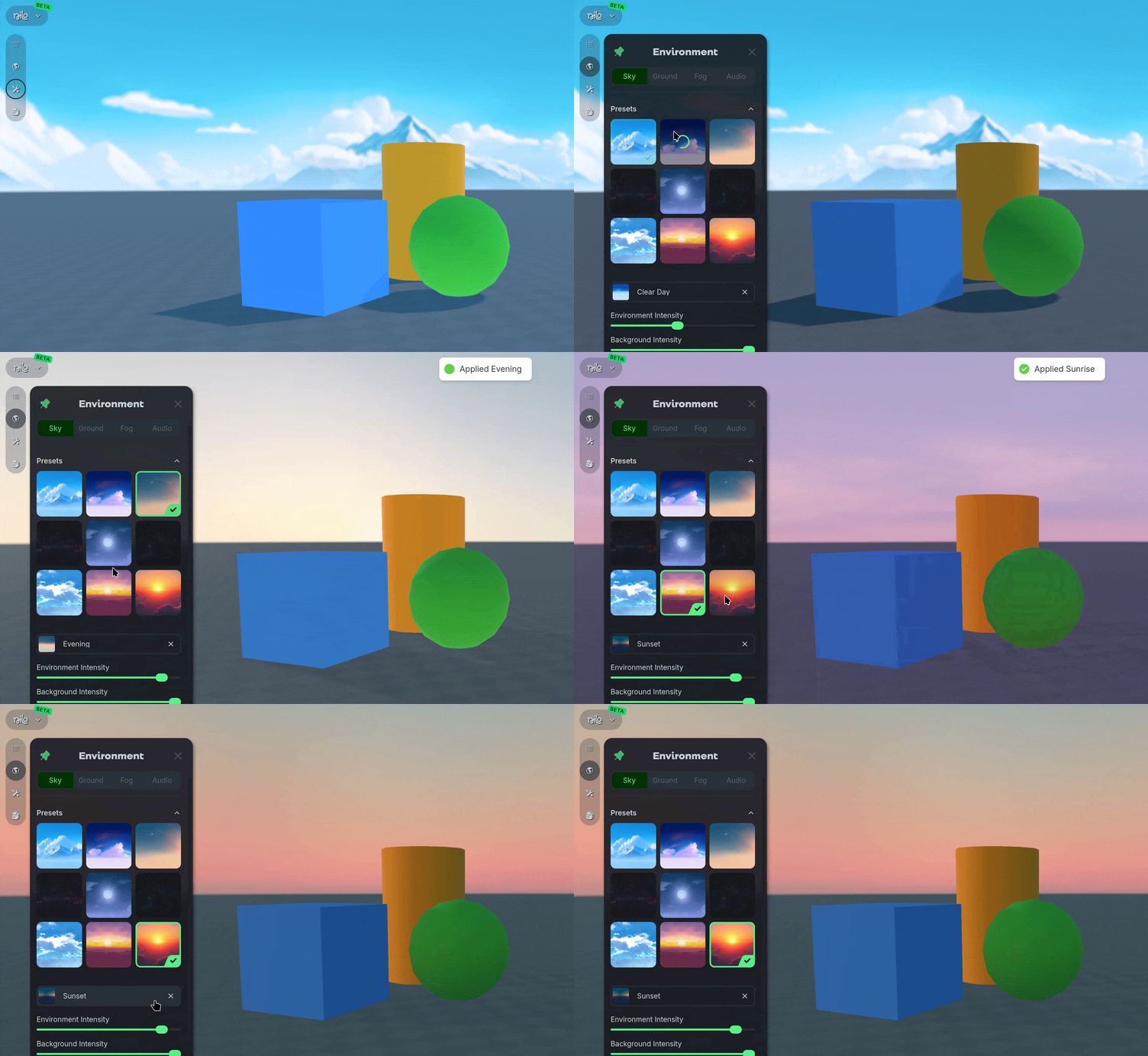
  • Added a sun color picker to the Environment Panel.

  • Simplified the Tutorial Missions to primarily focus on creating your first character.

  • Changed the deletion option from the Entities Panel to only work when hovering over and object. This should prevent those accidental delete-the-entire-world-suddenly moments.

  • Fixed a bug where deleting a group from the Entities Panel would not delete all the entities.

  • Fixed a bug where rag-dolled models may occasionally disappear in multiplayer instances.

  • Fixed a bug where clearing custom environment and grid textures did not properly revert them to their default state.

  • Fixed an issue where the gizmo had some position drift due to some rapid movements.

  • Fixed the LOD slider not being remembered after refreshing the world.

  • Fixed the LOD preview not showing in wire-frame while manipulating.

  • Fixed an issue where objects could be moved while drawing in the Doodle tool.