March 5th, 2026
Updates
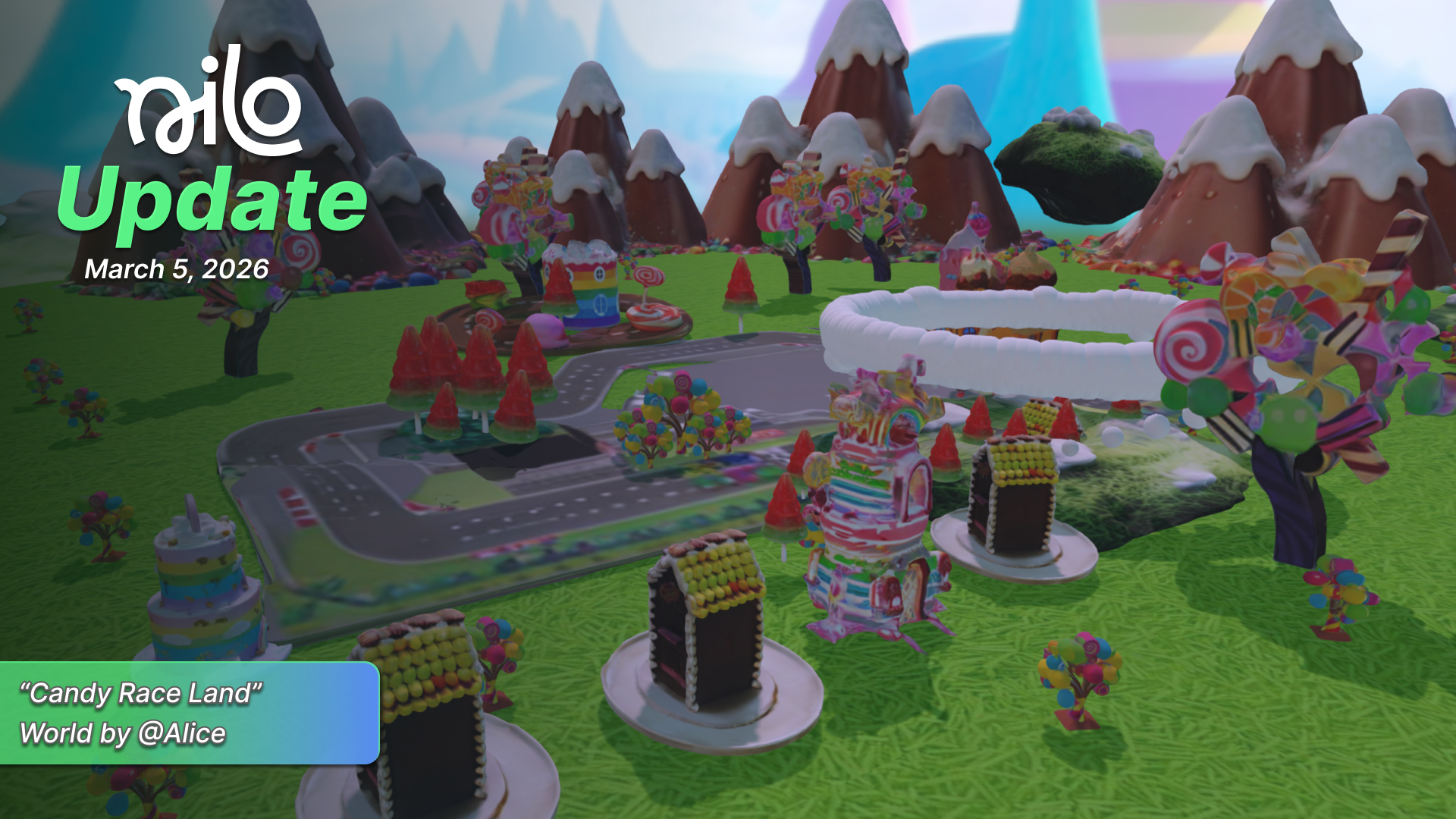
March 5, 2026 Update
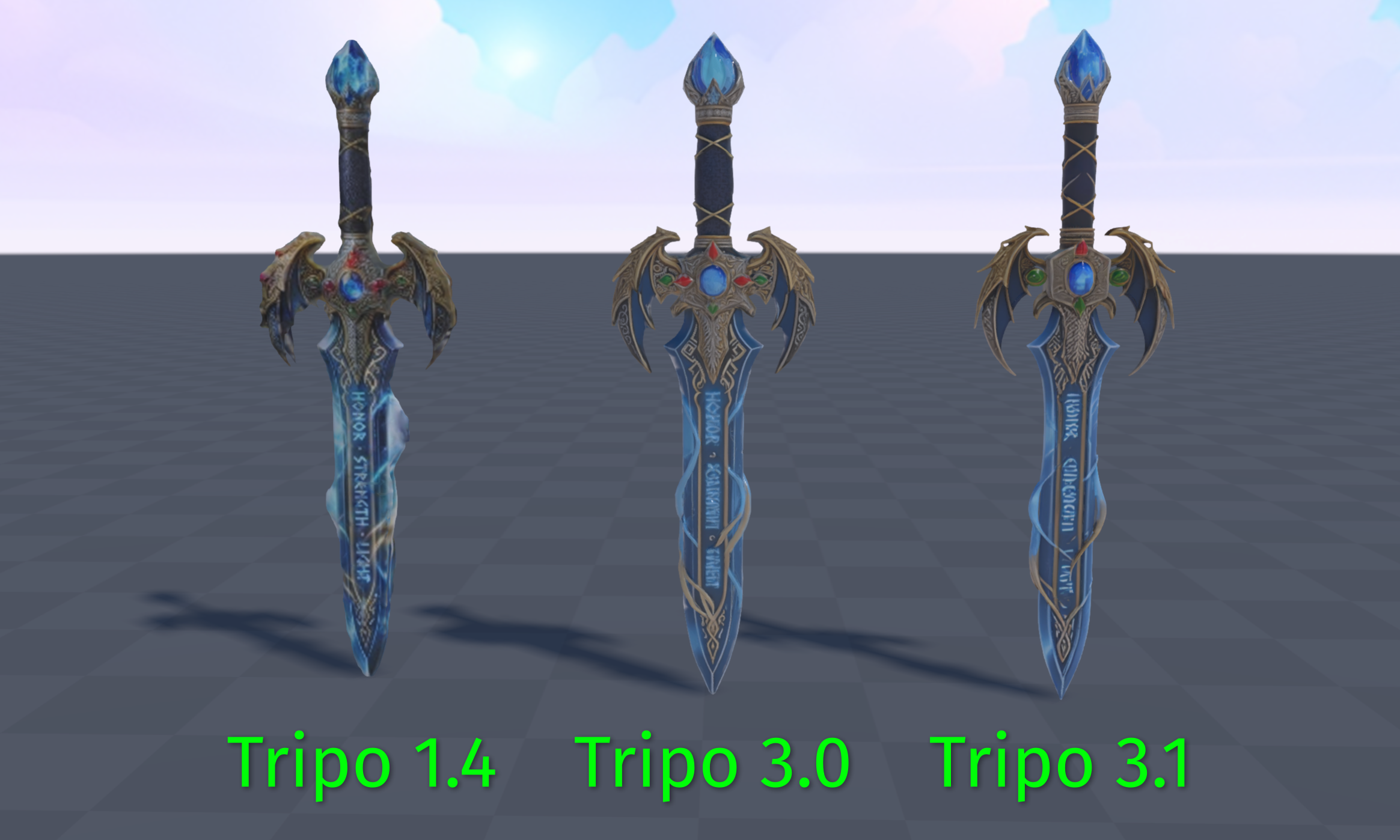
🤖 Tripo 3.1 Model with HD Textures
We added a new model to generate 3d objects that have higher levels of detail with HD textures. Use the ⚙️ icon when generating a objects to select the new Tripo 3.1 Models. There are also new toggles to generate with HD Textures or a PBR material for each AI Model.
🔆 New Light Options
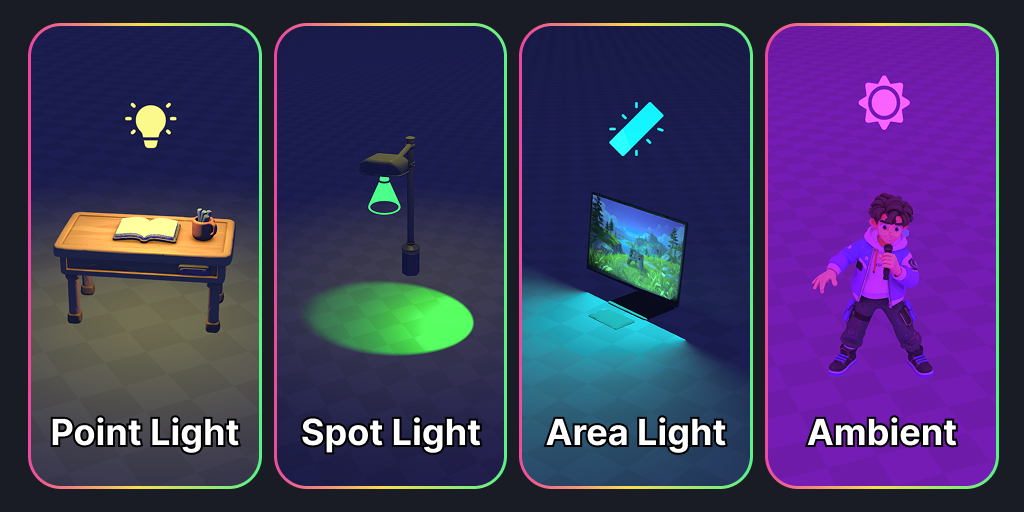
We’ve implemented more Light options like Spot Lights, Area Lights, and Ambient Lights.
Spot Light - Emits light from in a cone with a direction. Good for Car Headlights or Lamp Lights.
Area Light - Emits light from a rectangular surface. Great to use for a large “soft source” of light from something like a Computer Monitor or Ceiling Lights.
Ambient Light - Emits a base level of light, similar to the Sun.
You can now find these options in the Inspector Panel after adding a Light entity.
🎨 Doodle Features
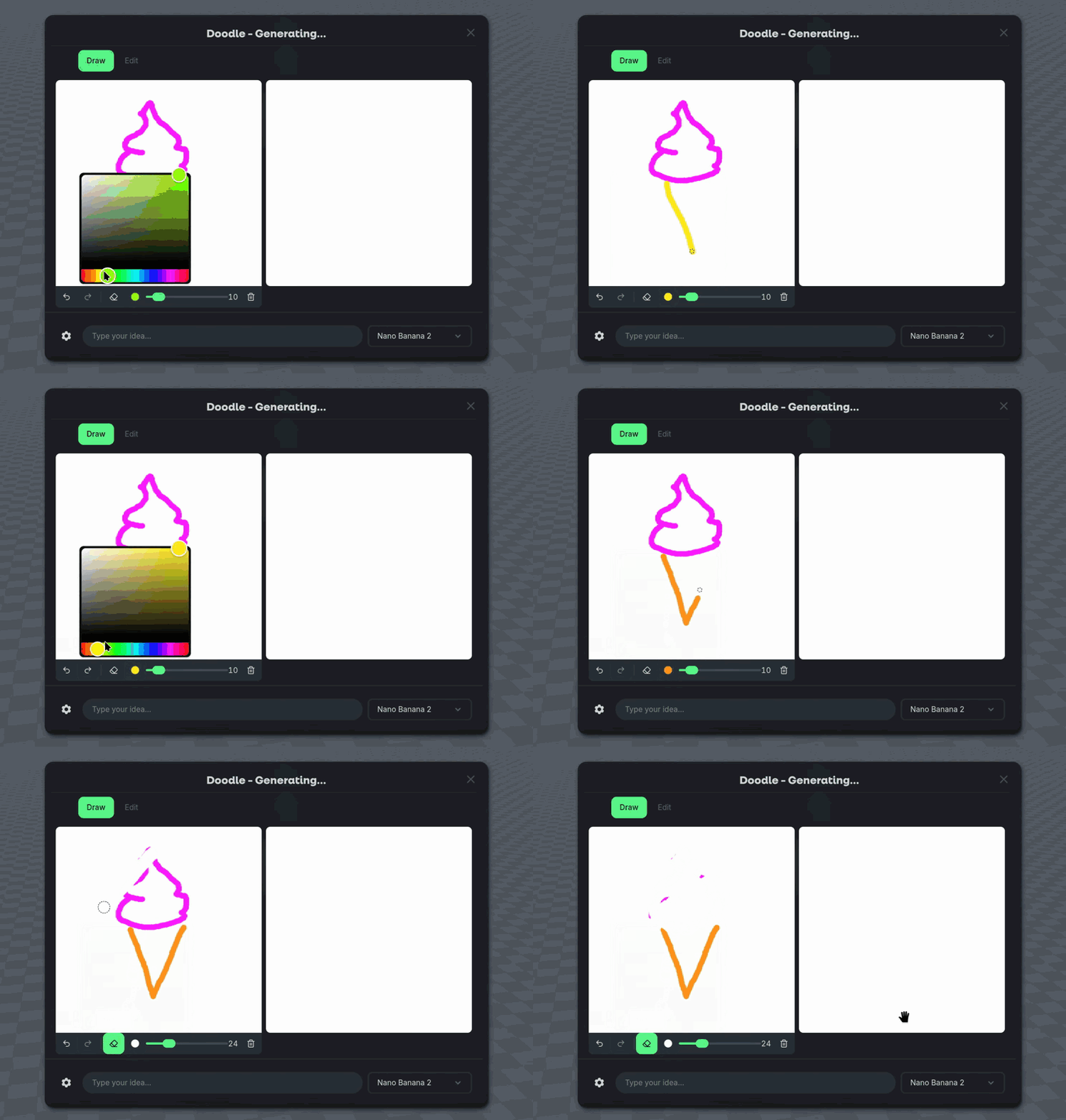
We added Undo, Redo, Eraser buttons to Doodle and added the latest AI Generation model Nano Banana 2! Generate 4x faster than the previous models with higher quality.
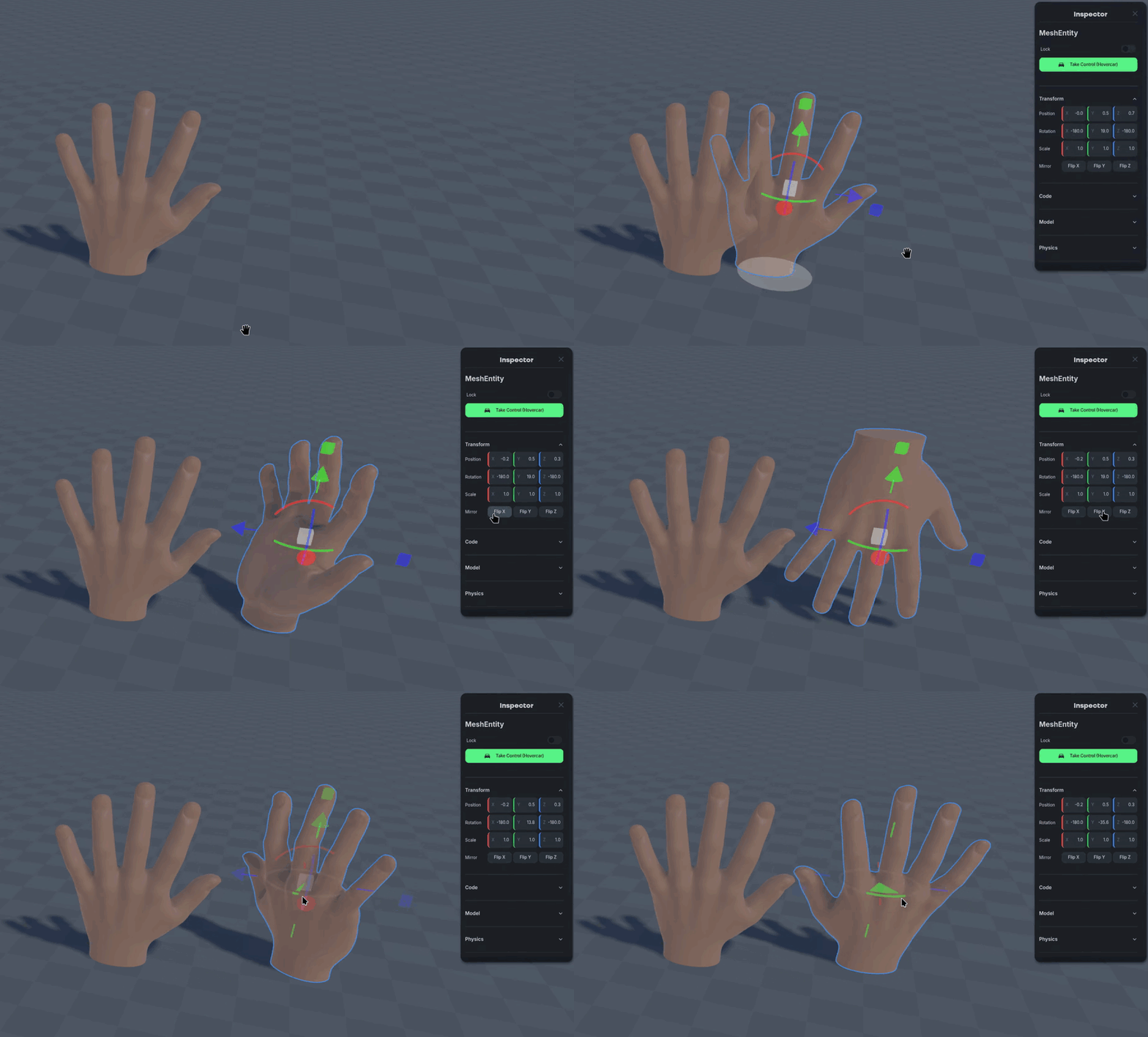
🪞 Mirroring Meshes
We added a mirroring feature to the Transform section of the Inspector Panel. Flip what direction your meshes are facing with a simple button click!
💡Changes & Fixes
Add the option to undo Rigging through
Ctrl-ZAdded a highlight to the "?" Help feature for new users.
The dynamic help menu that shows shortcut options now also appears when hovering over gizmo.
Reverted a physics change that caused some objects to reload incorrectly when refreshing a world in a multiplayer instance.
Fixed a bug where the audio would occasionally mute based on camera position.
Fixed an issue where the prompt input menu would float off in the world.
Fixed Light Entities duplicating incorrectly.
Fixed an issue where duplicating many lights caused excessive brightness.
Fixed a bug where bloom effect would be enabled when the option was disabled in the settings.
Fixed a bug where screen would go black / freeze after publishing world.