October 29th, 2025
Updates
October 29, 2025 Update
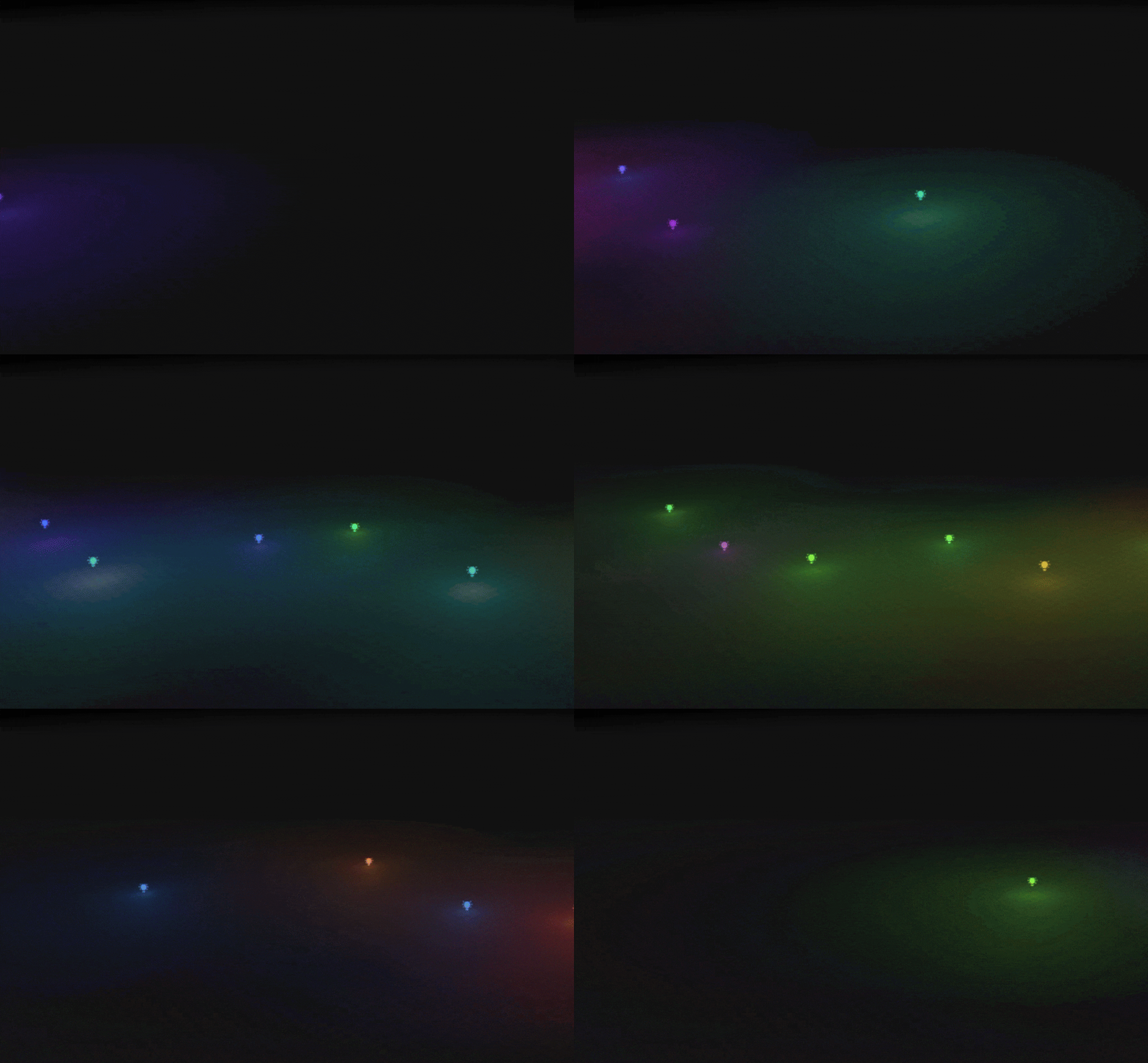
💡Let there be Light!
Thanks to the Many requests from founding builders for some additive lighting options we’ve added point lights to Nilo! Add these to your world to get the mood just right for your scene. You can use the inspector panel to toggle the light icon, or change the color and intensity of individual lights. You can even add code to lights for special effects!
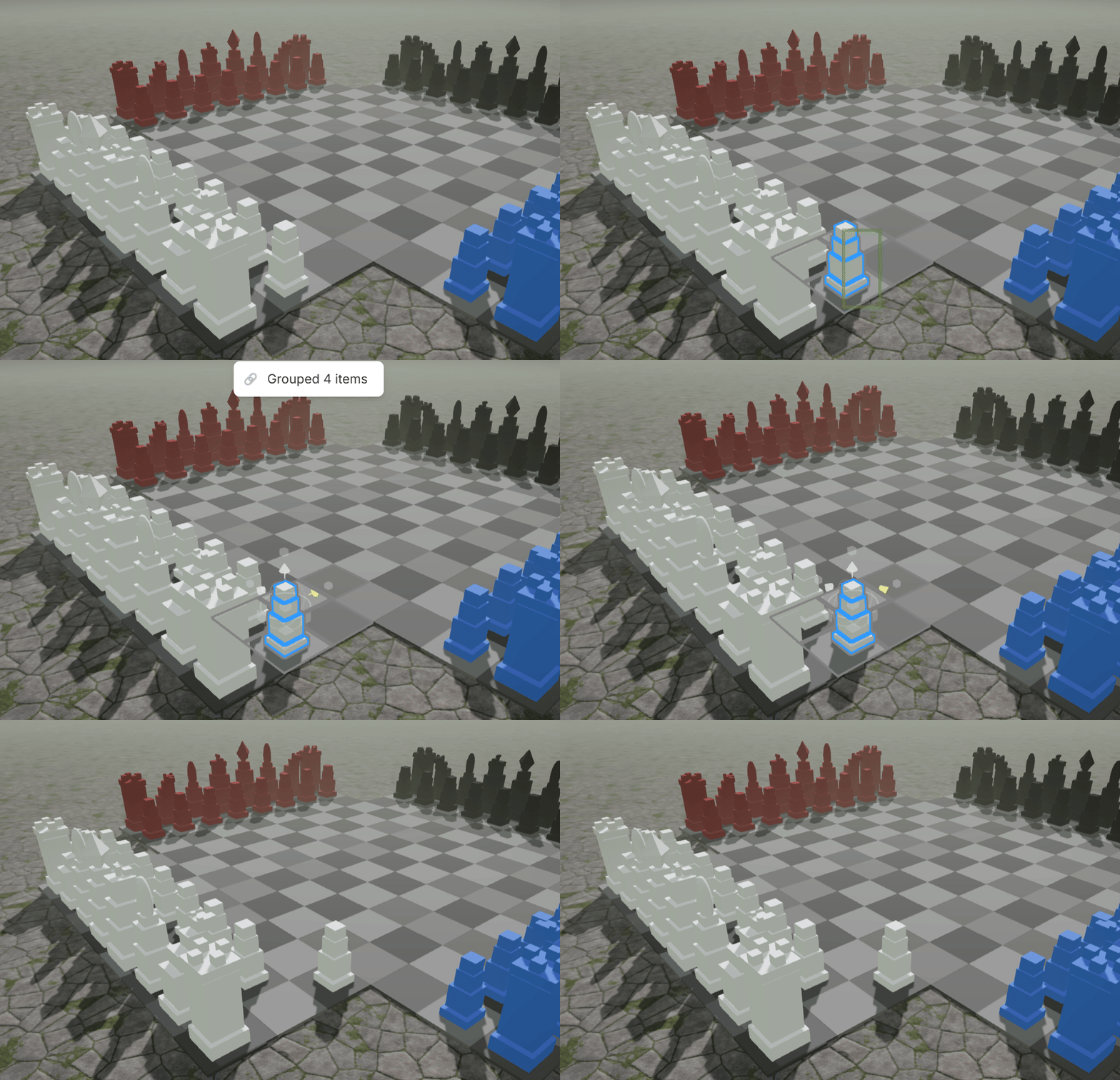
✨ Object Grouping
Selected objects can now be grouped together with Ctrl-G! This allows you to move or join various entities as one single object. You can ungroup an object using Ctrl-G again. This allows you to attach props to your characters, or quickly make complex structures in Nilo!
We're still working on a few more changes to this feature. Right now, when you duplicate objects, they'll be added to the original group. In the future, we want duplication to create a second group of objects- a copy of the original. Let us know how this feature feels!
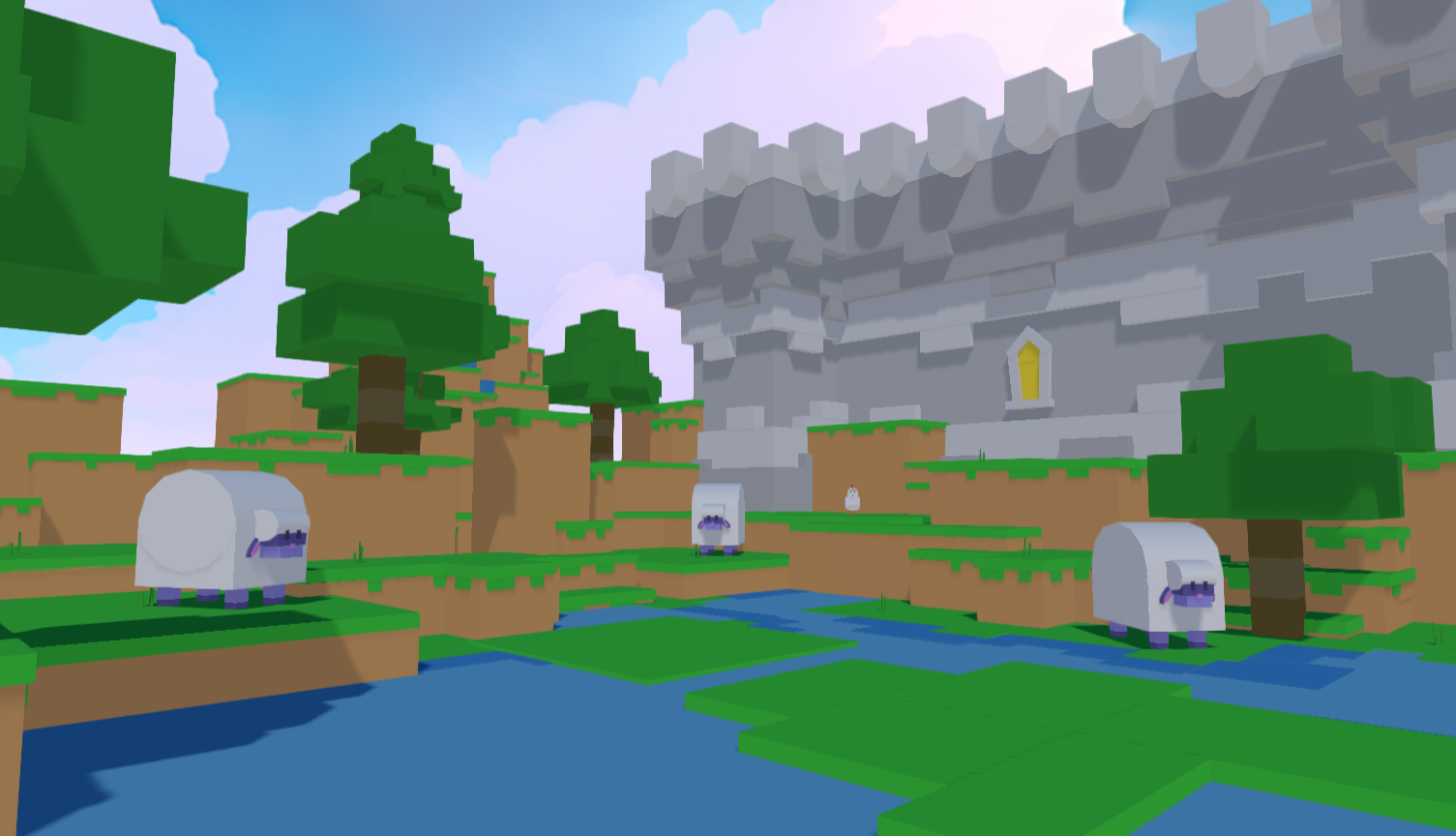
🧱 Block World Set
Baa! Cheep? Aw man! Courtesy of @Meriesa we have another primitive-based Block World Set available in the featured worlds list. Use the new grouping feature and make a suspiciously square tree or landscape and share what you’ve built with us!
🎃 NiloJam Worlds
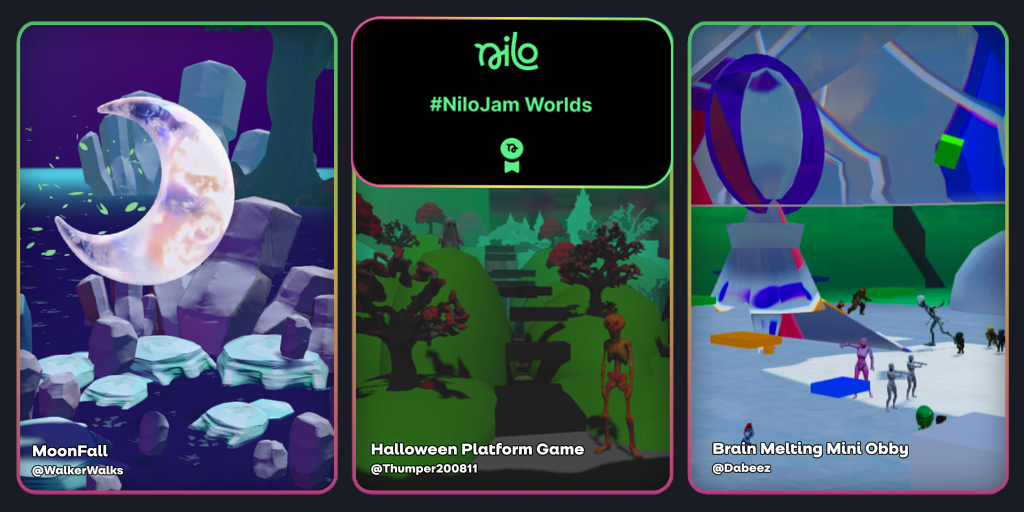
We recently concluded our second NiloJam, with a new set of featured worlds created by community founding builders. Congratulations @WalkerWalks, @Dabeez , and @Thumper200811— these worlds look incredible!
🔧 Changes & Fixes
We fixed an issued that occasionally caused new worlds to appear quite purple and behave incorrectly.
We stabilized the locked behaviors of multiple objects in worlds that have multiple builders.
The new Doodle menu should now prevent unintended object selection and dragging behind the window.
We improved our FBX loading system which improves performance when handling complex meshes, bones, and animations.
Various improvements to the back-end improvements to the physics engine.
Vertical simple movement controls are now in the help menu. Use Shift or right click to move your objects around.