October 14th, 2025
Updates
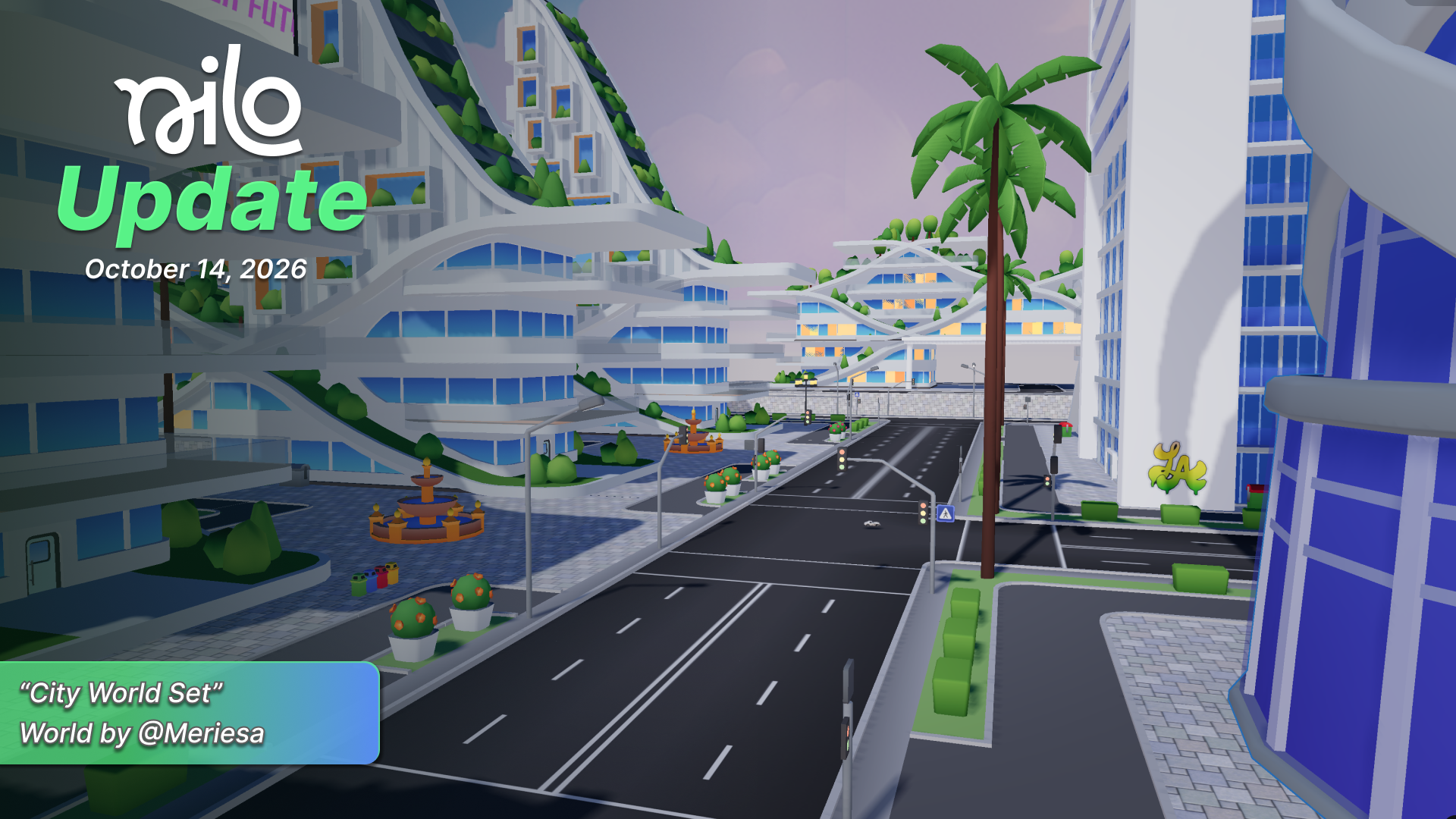
October 14, 2025 Update
✨ Builder Menus
We added more menus for environments and objects to help you build in Nilo.
Selecting an object now opens an Inspector menu. The Inspector menu allows you to view or change the object properties.
A new sidebar on the top left of the screen now allows a quick way to an entities menu, showing a list of all the objects in the world, and the environment and dev settings menus.

📏 Object Snapping
We added new snapping features when moving objects around to make it easier to build your worlds.
Surface Snapping
Enable Surface Snap with Shift-S. Moving objects to make them snap to the surface of another object you drag over.
Press Shift while dragging an object with Surface Snap enabled to snap to the bottom center of the object.
Right Click while dragging an object to offset it.
Magnet Snap
Enable Magnet Snap with Alt-M. Moving objects will magnet to the edges or centers of objects you drag over, based on their bounding boxes. This works especially well for buildings!

🎨 Doodle
We've merged our live canvas and 2d editing tool into one new Doodle feature!
The improved Doodle tool lets you draw an image and choose which AI model to use for refining your artwork. You can also edit specific parts of the image with text prompts using the Edit tab.

🏙️ City World Tile Set
We’ve added a new Nilo Tile Set world in the featured worlds list! Remix the world and play around with some cars or buildings or add your own twist to the environment.

🔧 Changes & Fixes
Updated Gizmo with Non-Uniform Scale, Colors, Simple, Animated and more playful.
You are now able to log in using your Discord as well as Google authentication. Horray!
Fixed an issue that caused the default cube jumping around unexpectedly.
World loading shouldn’t stall out and get stuck at 0% anymore.
Locked objects will now stay locked when using Ctrl to multi-select objects.
Fixed a bug where Ctrl-select would select unwanted objects off-camera.
Skybox and ground texture images should now persist in the UI instead of disappearing like some spooky ghost.
Selecting MANY (like… hundreds) of objects is significantly more performant than before. Go ahead. Select your whole world!
Fixed an issue where code could generate infinite primitive objects when it was not instructed to do so.
Many fixes and tweaks to the mobile UI to make it more intuitive and easier to use.
Primitive objects should now more reliably change into the color you choose.
Duplicating an object will now make that object follow your cursor when you move it until you click.
Using "t-pose," "tpose," or "t pose" in your 3D model prompt should now more reliably generate a model in the ideal pose for rigging.